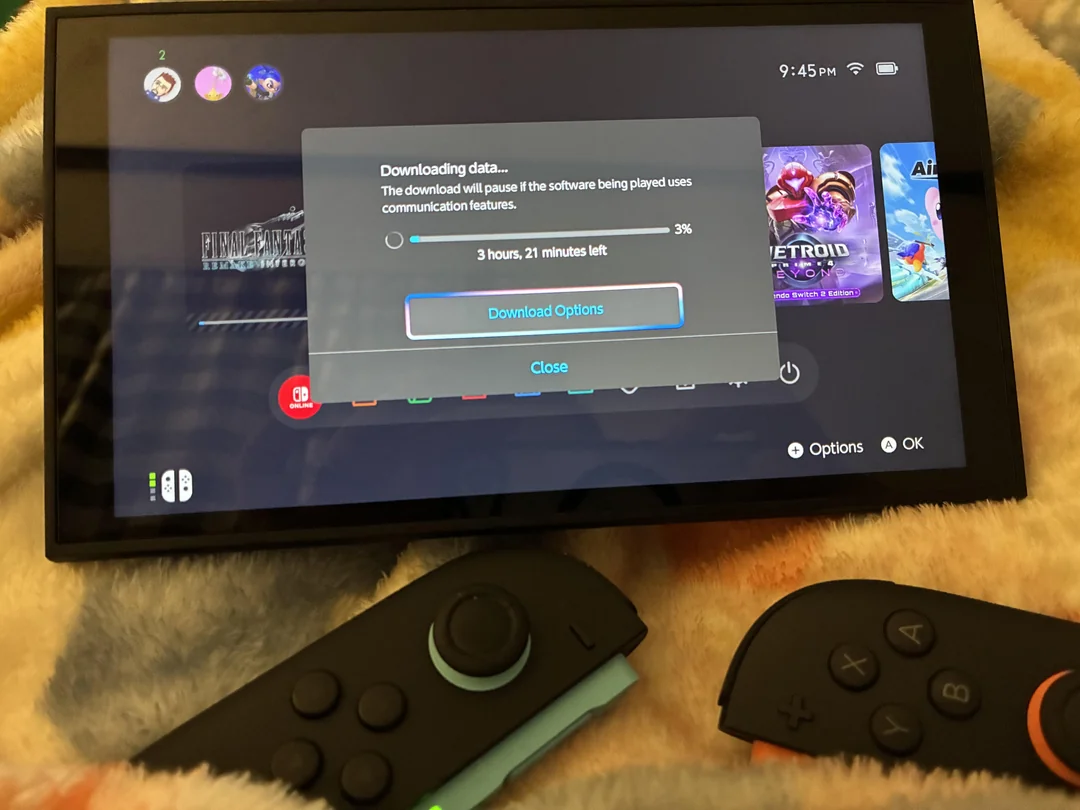
Nintendo Switch and Nintendo Switch 2 users have expressed surprise after discovering a simple system setting that can significantly improve download speeds. The workaround surfaced after a user complained about slow download performance despite having a fast internet connection, prompting discussion on Reddit and leading to a solution that has since gained traction among players.
The issue was raised on the r/Switch subreddit, where a user highlighted lengthy download times while attempting to install Final Fantasy VII Remake, which recently launched with a file size of around 100 GB. Even on high speed connections, downloads were reportedly progressing far slower than expected. This prompted other users to share potential fixes based on prior experience.
One Reddit user, identified as Potential Ebb5601, suggested adjusting a network setting that is not commonly changed by most players. The user wrote, “If you haven’t already, you should change the internet connection settings, change MTU to 1500 and hit Save. It will allow a faster download speed and sometimes fixes games not finishing their installs.” The comment quickly gained attention as other users began testing the suggestion.

Following the discussion, the setting change was independently tested and confirmed to result in noticeably improved download speeds. While results may vary depending on network conditions and internet service providers, the adjustment appears to help the Switch and Switch 2 handle large downloads more efficiently, particularly when dealing with very large game files.
MTU, or Maximum Transmission Unit, controls the size of data packets sent over a network. By default, the Nintendo Switch does not always use the optimal MTU value for every connection. Setting the MTU manually to 1500 aligns with common network standards and can reduce fragmentation, which may explain the improved performance reported by users.
The steps required to apply the change are straightforward and do not require advanced technical knowledge. Users can access the setting directly from the system menu without modifying their router or internet hardware. According to shared instructions, the process involves navigating through system settings to the active internet connection and manually adjusting the MTU value before saving the changes.