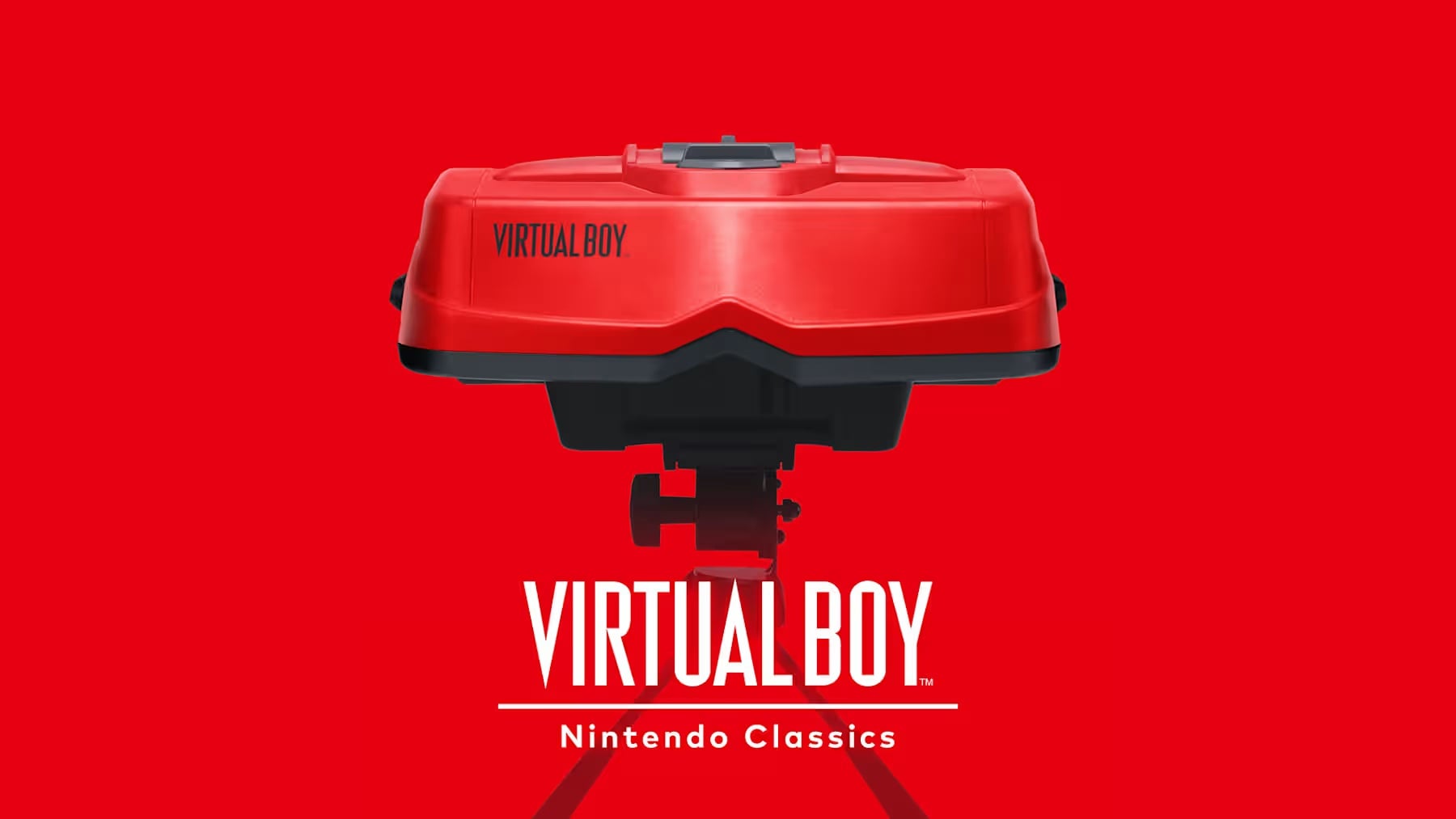
Nintendo has released the Virtual Boy Nintendo Classics app on the eShop, making it available for download to Nintendo Switch and Nintendo Switch 2 players. Access to the collection requires a Nintendo Switch Online + Expansion Pack membership. However, playing the titles also requires compatible Virtual Boy goggles, either the official accessory for Nintendo Switch 2 or Nintendo Switch, or the cardboard model accessory designed for the system.
The application does not function in docked mode. Players must use the system in a compatible configuration with the required goggles in order to access gameplay. Labo VR goggles can work on the original Switch, though they are not officially supported. It is recommended to adjust the interpupillary distance setting to prevent double vision, blurring, eye strain, and headaches. This adjustment can be made by pressing and holding the R Stick during gameplay to enter the calibration mode.

With the Expansion Pack membership, players can access a growing collection of Virtual Boy titles. The app supports modern convenience features, including suspend points to save progress, a rewind function to correct mistakes, and customizable control options. The launch lineup includes Teleroboxer, Galactic Pinball, Red Alarm, Golf, Virtual Boy Wario Land, 3D Tetris, and The Mansion of Innsmouth.
According to the eShop listing, additional games will be added in the future. The release marks the return of Virtual Boy software in a new format, adapted for Nintendo Switch hardware with accessory support.