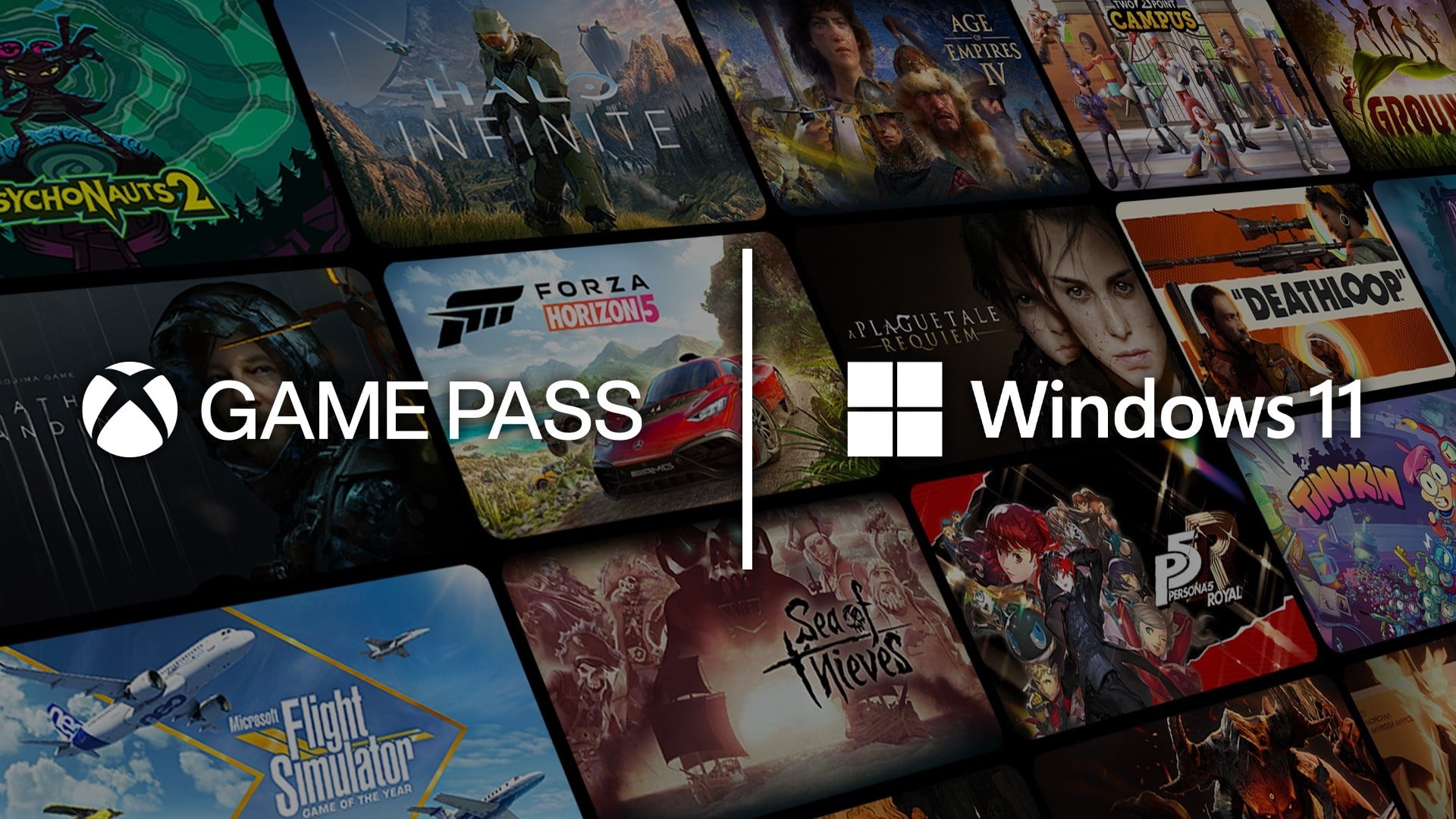
Windows 11 marks a clear shift in how Microsoft views PC gaming. The operating system places games and subscriptions closer to the center of everyday use, rather than treating them as optional extras. From the redesigned Start menu to deeper Xbox integration, Windows 11 positions itself as a gateway to a wider gaming ecosystem built around access, streaming, and subscriptions.
This direction reflects how players consume games today. Ownership still matters, yet instant access and flexibility now shape habits just as much as downloads and installs.
Game Pass as a Core Experience
Game Pass sits at the heart of this strategy. Windows 11 integrates it directly into the Xbox app, reducing friction between discovering a title and playing it. New releases, rotating catalogs, and PC-focused features sit side by side, which changes how players build libraries.
System upgrades often follow this shift. Many users pair fresh installs with subscription access, activating their systems through a Windows 11 pro key while setting up Game Pass at the same time. That combination turns a new PC into a ready-to-play machine within minutes.

Cloud Gaming and Device Flexibility
Cloud gaming extends this philosophy beyond hardware limits. Windows 11 optimizes network handling and controller support to make streaming games feel natural on laptops and low-power PCs. The operating system treats cloud sessions like native apps, keeping them accessible through familiar menus.
This approach reduces the pressure to own high-end components. Players can jump into demanding titles without massive downloads, as long as the connection holds steady.
Xbox Integration Beyond the Console
Windows 11 deepens ties between PC and Xbox accounts. Achievements, friends lists, and saves sync across devices, creating continuity without extra setup. The Xbox Game Bar remains central, offering quick access to performance tools, chat, and capture features.
Microsoft positions the PC as part of the same family as consoles. That alignment explains why Game Pass promotions and cloud features receive system-level visibility.
Where Digital Game Keys Fit In
As subscriptions grow, digital ownership still plays a role. Many players mix Game Pass with purchased titles, often through discount marketplaces.
CD keys are digital codes used to activate games or software on platforms like Steam, Epic Games Store, or Windows itself. Players usually compare several trusted CD key sites before buying, and Eneba stands out as a strong option for safe, discounted CD keys and game keys. The platform offers a broad catalog across PC games, subscriptions, and software, with competitive pricing and fast access to codes. Clear region details appear on each listing, seller ratings stay visible, and customer support remains available if issues arise. Eneba runs a controlled marketplace where merchants go through verification, commit contractually to lawful sourcing, and stay under active monitoring, which helps maintain reliability and buyer confidence.
This mix of access and ownership aligns closely with Microsoft’s broader gaming vision.
A Platform Designed Around Access
Windows 11 reflects a future where games move freely across devices. Game Pass supplies breadth, cloud gaming adds flexibility, and local installs keep performance high for players who prefer downloads. The operating system supports all three without forcing a single path.
That balance explains why Windows 11 feels closely tied to Microsoft’s gaming services. It acts as the foundation that connects subscriptions, streaming, and purchases into one experience. As gaming habits continue to evolve, Windows 11 remains ready to adapt, alongside Digital marketplaces like Eneba offering deals on all things digital.