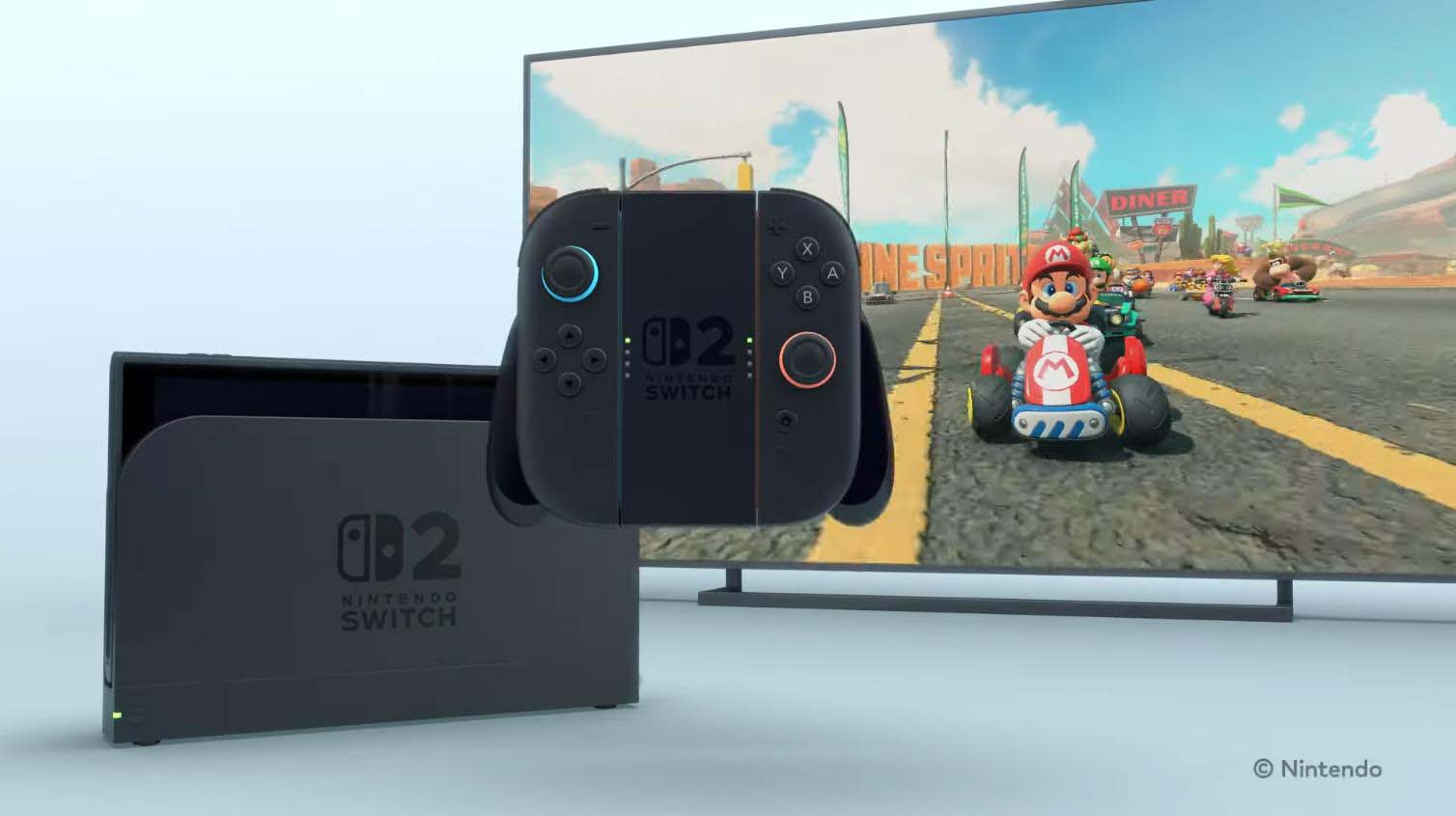
Nintendo has quietly addressed a technical issue with the HDR configuration on the Switch 2 in docked mode.
In his latest video, HDTVTest’s Vincent Teoh has reported that the recent system update for the Nintendo Switch 2 has brought major improvement to the console’s HDR functionality in docked mode, making it far easier and more accurate for users to configure the feature correctly across TVs, monitors, and projectors.

When Teoh first analyzed the Nintendo Switch 2 at launch, he found that many users were likely to encounter a washed-out HDR image with clipped highlights. The root of the problem was an opaque and unintuitive calibration process, particularly on the first screen featuring dual images of the sun, where users previously had to count clicks to estimate peak brightness. This process has now been changed.
New Nintendo Switch 2 Recommended HDR Settings
Follow the steps below to adjust the HDR settings on the Nintendo Switch 2.
- On displays with proper HGIG support or source-based tone mapping, enable HGIG, raise peak brightness until the right sun disappears
- Leave paper white at the default setting for bright rooms, or reduce it to 200 nits for darker environments
- On displays without HGIG, a practical fallback is 1,000 nits peak brightness with 200 nits paper white, minimizing clipping while preserving contrast
Following the update, pressing the Y button on the first ‘[Adjust HDR]’ screen reveals the actual peak brightness value in nits. As Teoh confirmed, each adjustment click corresponds to exactly 10 nits, aligning perfectly with HDR measurements on his reference monitor. Whether set to 1,000 nits, 4,000 nits, or all the way up to the HDR10 ceiling of 10,000 nits, the output now matches the selected value precisely. This alone removes much of the guesswork that plagued early HDR setups on the console.
The second major improvement concerns paper white, also known as diffuse white or HDR reference white. Previously, Nintendo defaulted this value to an overly aggressive 500 nits in docked mode, which pushed midtones too high and reduced perceived dynamic range. With the latest update, the default paper white level has been lowered to a more reasonable value of 300 nits, largely independent of the chosen peak brightness. Teoh demonstrated that even when peak brightness is raised from 900 nits to 4,000 or even 10,000 nits, the default paper white value remains stable at around 300 nits, unless peak brightness is set very low, in which case paper white scales down to preserve highlight headroom.
If peak brightness is set to 900 nits or higher, each click on the paper white slider now changes the value consistently. This makes it much easier to target reference values like 200 nits, which Teoh recommended for dark-room gaming in line with operational practices in HDR production. At 200 nits, HDR images regain depth, contrast, and highlight impact without looking flat or washed out.