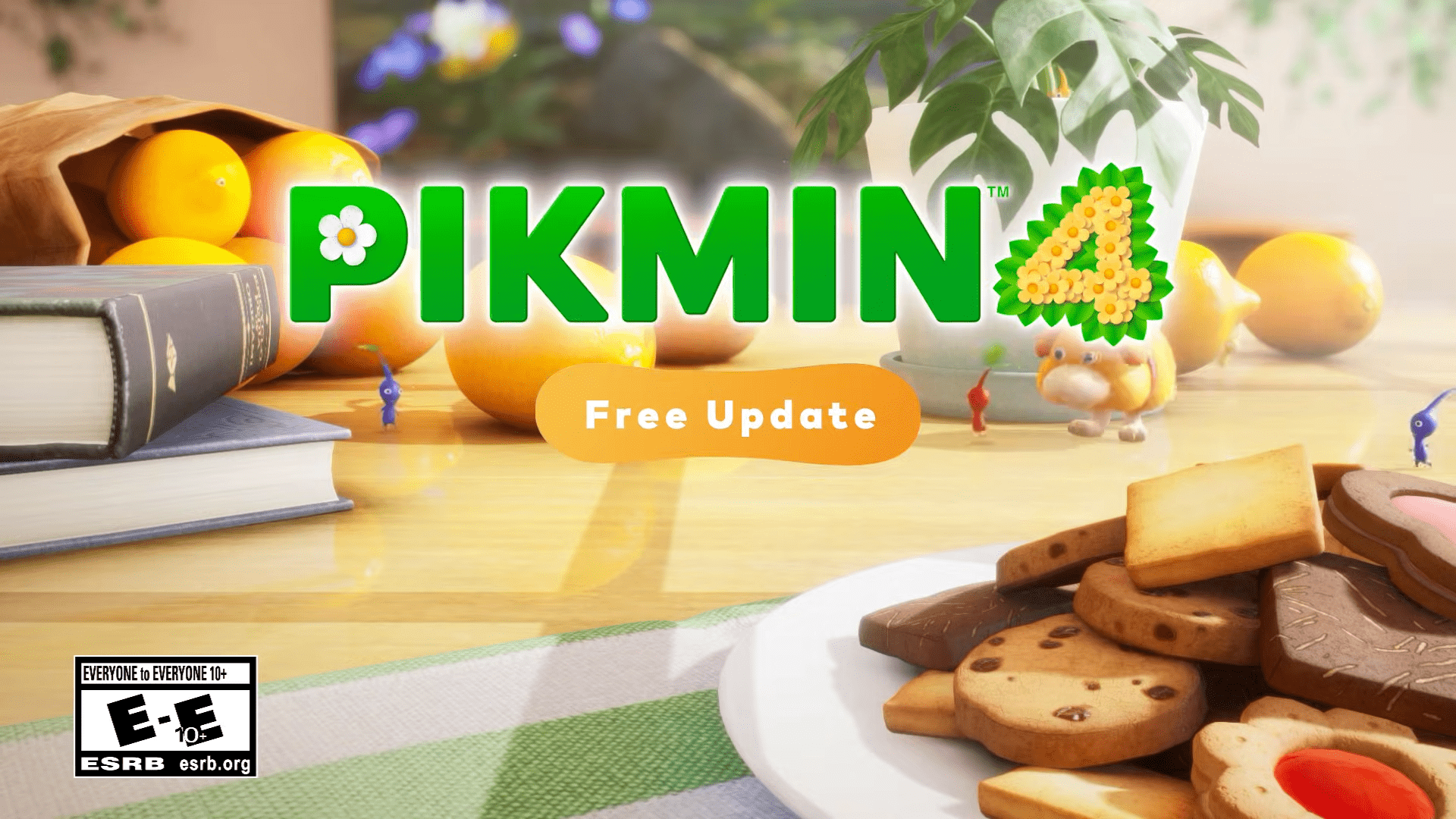
Pikmin 4 Update Version 1.1.1 is now available as of December 16, 2025, delivering a series of targeted fixes and quality-of-life improvements. The update focuses primarily on refining Oatchi command behavior, smoothing Roll Over progression, and improving consistency across creature interactions.
Additional adjustments address Decor Pikmin behavior, control settings, and user interface clarity, alongside several bug fixes intended to improve overall gameplay reliability. The same changes have also been applied to the Pikmin 4 demo, with noted feature limitations.

Patch Notes
Oatchi Command Fixes
- Enabled immediate use of the Go to Work command for Oatchi after throwing all Pikmin while continuing to press the A Button
- Maintained temporary command cancellation for tasks with insufficient Pikmin or actions Oatchi cannot perform
Roll Over Progression Fixes
- Enabled full carryover of Oatchi’s previously learned skills when starting a new game with Roll Over
- Allowed access to Oatchi training after speaking with the captain once Oatchi grows
- Disabled Roll Over starts in the Pikmin 4 demo
Treasure Catalog Fixes
- Fixed an issue where certain treasures were not reflected correctly in Treasure Catalog completion
Creature Activity Level Adjustments
- Prevented Moss, Waterwraith, and Bomb Rock-carrying Dweevils from attacking first while activity level is set to Relaxed
- Reduced likelihood of creatures inhaling or catching Pikmin with their tongues while activity level is Relaxed
- Fixed an issue preventing Grubchucker from preying on Pikmin while activity level is set to Fierce
- Fixed an issue where some creatures would freeze after being fed multiple Bomb Rocks while activity level is set to Fierce
Decor Pikmin Fixes
- Improved ease of using Say Cheese when photographing certain Decor Pikmin
- Prevented Decor Pikmin from being affected by suction-based creature attacks
- Fixed delayed synchronization of Decor Pikmin data sent to the Pikmin Bloom application
- Disabled Decor Pikmin data transfer to Pikmin Bloom in the demo version
Auto Target Lock Improvements
- Added a setting to prevent cursor locking caused by repeatedly pressing the A Button while Auto Target Lock is set to Off
- Added menu option to toggle Tap A Repeatedly to Lock via the Pause menu settings
User Interface Updates
- Added on-screen guidance in Photo Mode indicating camera vertical movement using directional buttons
General Bug Fixes
- Fixed additional issues to improve overall gameplay experience
- Applied the same fixes to the Pikmin 4 demo, with noted feature limitations
Pikmin 4 was released on July 21, 2023, and is available on Nintendo Switch, with full compatibility on Nintendo Switch 2.
Have you noticed these changes? Share your thoughts in the comments!