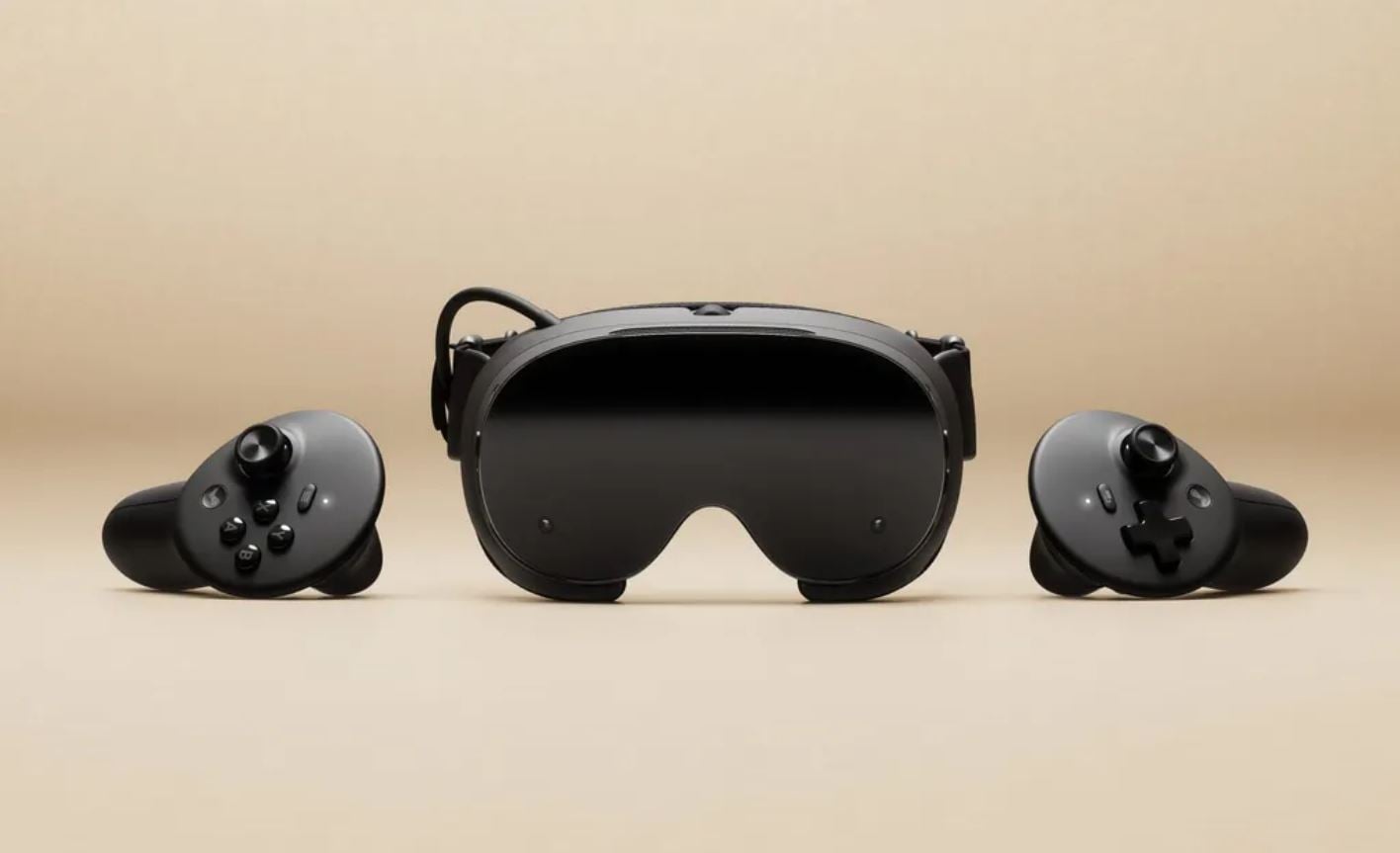
Valve has released SteamOS update 0.5.7 for Steam Frame, bringing several improvements to SteamVR, controller functionality and audio. The update is available through the Steam Frame Beta channel and includes SteamVR version 2.19.1. Among the changes are improved vibration filtering for pose prediction, adjustments to foveated sharpening and a new display dimming behaviour that activates before the headset enters sleep mode.
The update also introduces WebXR support in Chromium 157 and newer versions, fixes an issue affecting USB and Bluetooth speaker audio, and adds microphone controls for echo cancellation and noise suppression. Frame Controllers receive corrected battery reporting and new default bindings for several VR games. Since this is a beta release, users must manually opt into the appropriate update channel to access these changes.
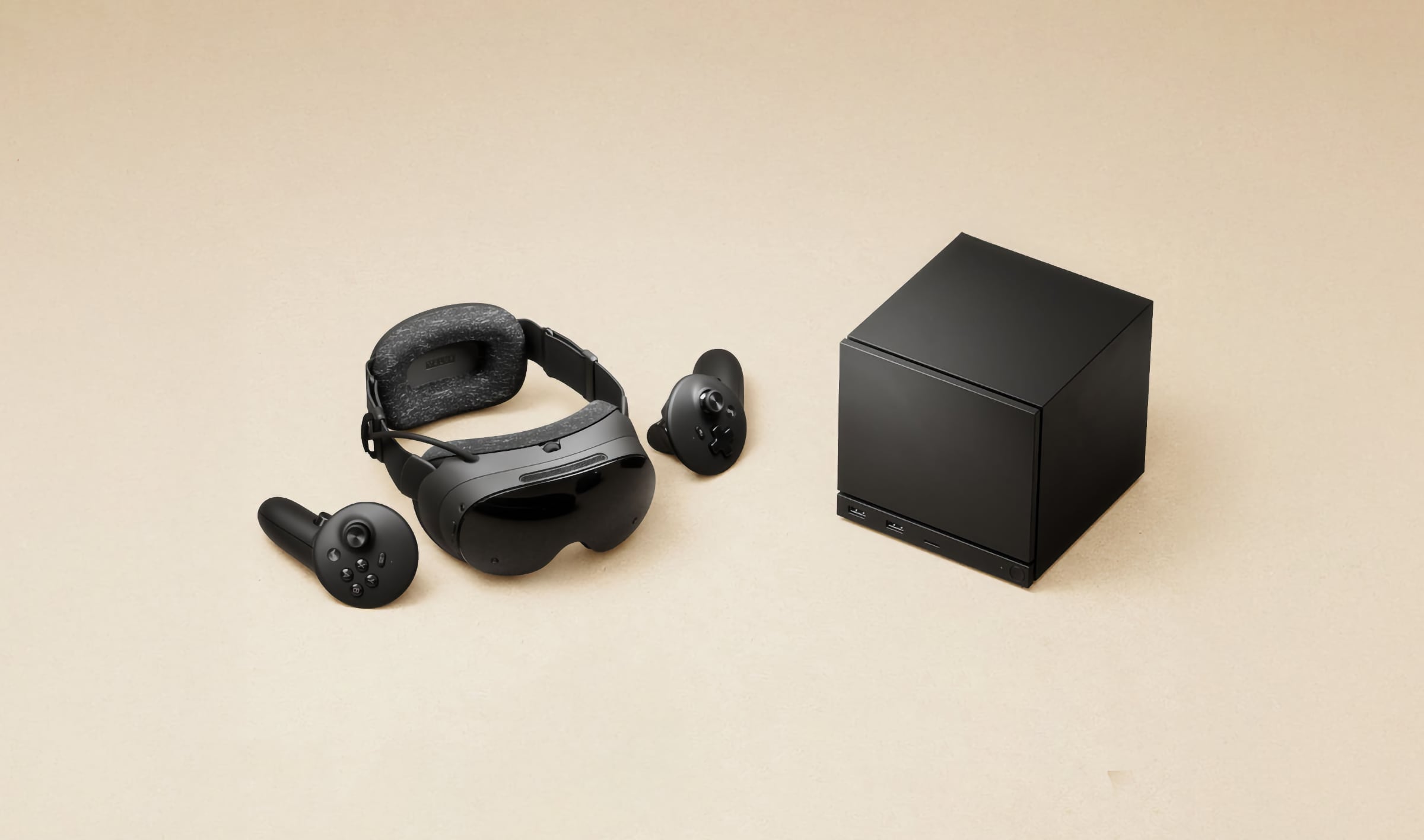
Steam Frame SteamOS 0.5.7 Patch Notes
SteamVR Improvements
- Updated SteamVR to version 2.19.1.
- Improved vibration filtering used for pose prediction.
- Addresses an issue affecting tracking prediction on certain Steam Frame units.
-
- Added a 30-second display dimming period before the headset enters sleep mode.
- Changed how foveated sharpening works with Eye Tracking.
- Foveated sharpening now operates independently of Eye Tracking.
- Previously, disabling Eye Tracking also disabled foveated sharpening.
- With Eye Tracking disabled, foveated sharpening now defaults to the centre of the display.
-
- Removed Advanced Supersampling support on Steam Frame.
- Updated the guided tour to keep Steam docked at the front and centre of the user’s view.
Frame Controller Improvements
- Fixed battery level reporting to correctly display 0% when the battery is depleted.
- Added default controller bindings for:
- Chromalab.
- Batman Arkham.
- Doom VFR.
-
Operating System Improvements
- Enabled WebXR support in Chromium version 157 and newer.
- This allows compatible Chromium versions to access WebXR functionality on Steam Frame.
Audio Fixes
- Fixed an issue where audio output could stop working through USB speakers when an application attempted to access the microphone.
- Fixed the same issue affecting Bluetooth speakers when applications accessed the microphone.
Microphone Improvements
- Added separate controls for disabling microphone echo cancellation.
- Added separate controls for disabling microphone noise suppression.
- These options allow users to manage the two microphone processing features independently.
- The new controls require the current Steam Client Beta.
How to Install SteamOS 0.5.7 on Steam Frame
SteamOS 0.5.7 is currently available through the Steam Frame Beta channel. Users can enable it by following these steps:
- Open Settings on Steam Frame.
- Select System.
- Find System Update Channel.
- Select the Beta channel.
- Check for available system updates and install SteamOS 0.5.7.
How to Enable Steam Client Beta
The new microphone echo cancellation and noise suppression controls require the current Steam Client Beta.
- Open Settings on the headset.
- Navigate to System.
- Select Steam Client Update Channel.
- Switch to the Beta channel.
- Install the available Steam Client Beta update.
Have you noticed these changes? Share your thoughts in the comments!