Steam Frame has received SteamOS update 0.5.8 on the Beta channel, introducing new Room View functionality for PC streaming and mixed reality applications. Users can now keep remote desktop content and the remote game theater visible while camera passthrough is active. PC VR games supporting OpenXR mixed reality can also blend virtual content with the real-world camera view, with X-Plane 12 listed as an example. This functionality requires the SteamVR beta branch on PC.
The update also improves eye tracking self-calibration and fixes gamma inconsistencies between the eyes on some headsets. Other changes address WebXR compatibility with Chrome v157 and overlay rendering problems, while developers gain access to an additional OpenXR environment blend mode. SteamVR has also been updated to version 2.19.2.
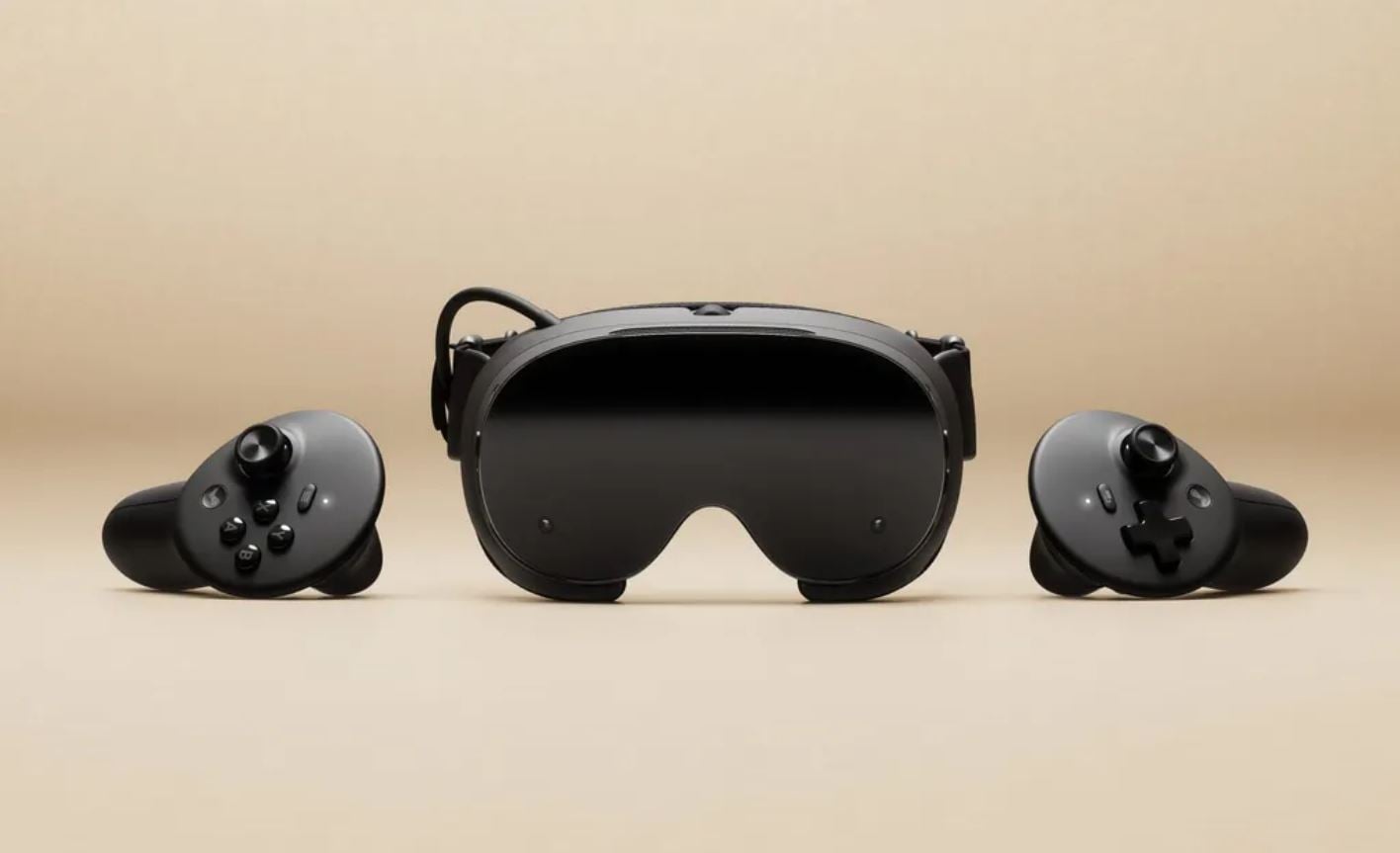
Steam Frame SteamOS 0.5.8 Patch Notes
Camera Passthrough and Room View
- Added Room View support for PC streaming.
- Remote desktop content and the remote game theater can now remain visible while camera passthrough is active.
- Fixed the previous limitation where enabling Room View would hide remote content.
-
PC VR games supporting OpenXR mixed reality can now blend VR content with camera passthrough.
- X-Plane 12 is one example of a supported application.
-
- The new mixed reality functionality requires users to opt into the SteamVR beta branch on PC.
General Improvements and Bug Fixes
-
Set overlay render quality permanently to Low on Steam Frame.
- Removed the overlay render quality option from settings.
- This resolves problems that occurred when Ultra quality was selected.
-
- Improved eye tracking self-calibration.
-
Fixed low-end gamma response on certain headsets.
- Addressed gamma inconsistencies between the eyes.
-
- Fixed a permission issue that prevented WebXR from working in Chrome v157.
Developer Updates
- Added support for OpenXR games streamed from PC to use
XR_ENVIRONMENT_BLEND_MODE_ALPHA_BLEND.
SteamVR Update
- SteamVR has been updated to version 2.19.2.
Beta Channel Availability and Installation
- SteamOS 0.5.8 is available through the Steam Frame Beta channel.
- Users can opt into the Beta channel by navigating to Settings > System > System Update Channel.
- The update includes features that are still being tested.
-
To enable the SteamVR beta branch on PC:
- Right-click SteamVR in the Steam library.
- Select Properties.
- Navigate to Game Versions & Beta.
- Select the beta branch.
-
Have you noticed these changes? Share your thoughts in the comments!