Some Xbox Series X|S players are reporting account suspensions after Grand Theft Auto VI gameplay clips containing nudity were automatically uploaded to the Xbox network.
The reports were highlighted by CharlieIntel on X, which advised GTA VI players to turn off the console’s auto-upload feature as a precaution. The concern is that Xbox may automatically upload captured gameplay footage containing nudity, potentially triggering enforcement under its Community Standards.
A screenshot shared from one affected account shows a suspension lasting approximately two days. The enforcement notice lists November 19, 2026, at 23:29 as the start time, with the restriction scheduled to end on November 21 at 03:29.
According to the notice, the suspension was issued for violating Xbox’s Community Standards and was classified as an automatic enforcement action. During the restriction period, the affected player cannot communicate with other users, participate in multiplayer games, or upload media to the Xbox network.
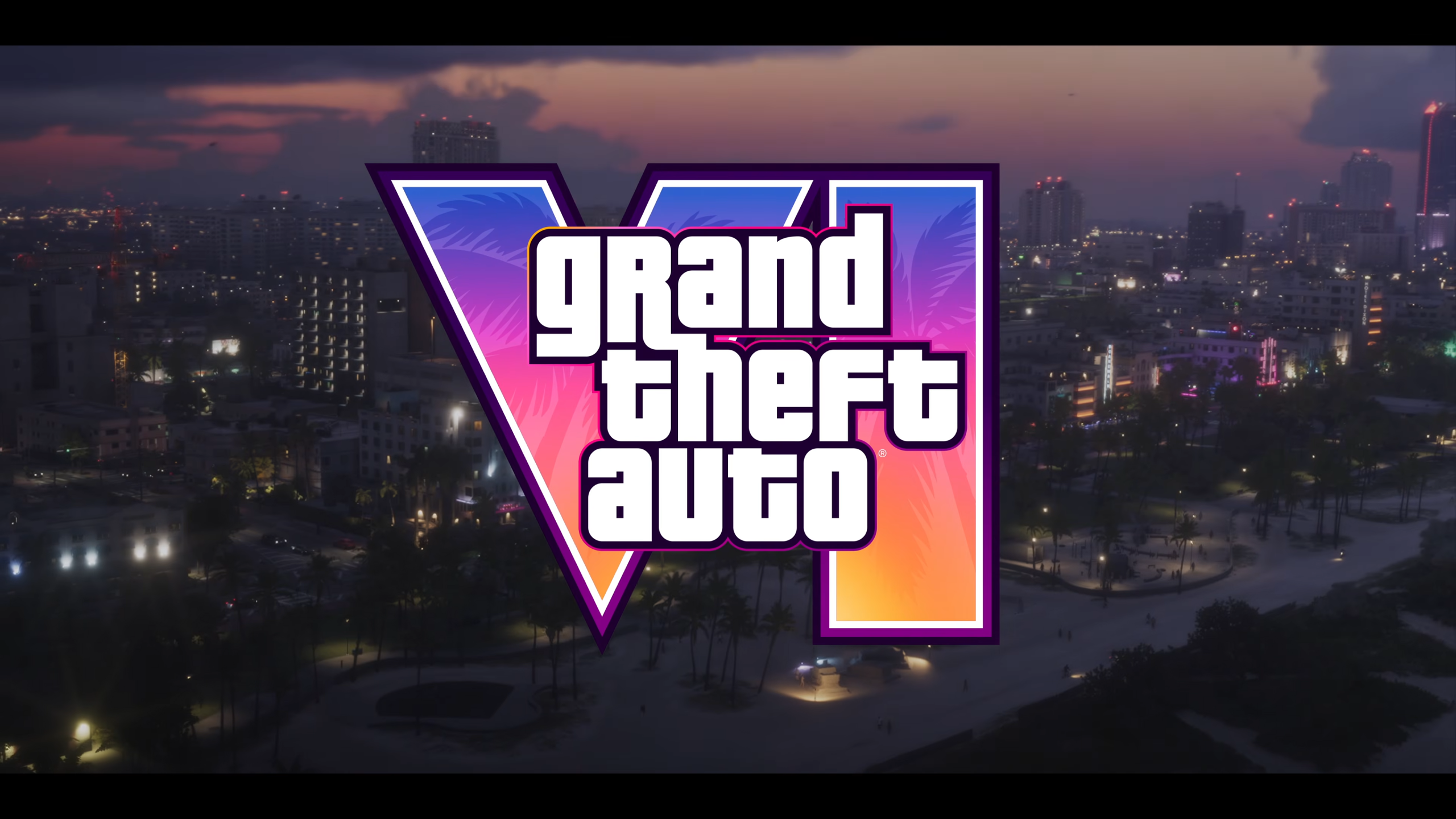
The GTA VI Xbox suspension reports appear to be connected to the game’s adult content. Grand Theft Auto VI carries an ESRB Mature 17+ rating, with warnings covering intense violence, blood and gore, strong language, drug and alcohol use, nudity, and strong sexual content.
Rockstar Games’ latest open-world title includes uncensored nudity involving background characters in certain locations, including nude beaches and strip clubs. Some cutscenes also feature partial nudity and sexual encounters between protagonists Jason and Lucia, although the latter cut away rather than showing explicit activity.
Unlike games that provide dedicated streamer modes or content filters, GTA VI does not offer an in-game option to censor nudity. This means players recording gameplay may inadvertently capture restricted content, even when they aren’t deliberately trying to share it.
With automatic uploads enabled, captured clips can be sent directly to the Xbox network without players reviewing their contents beforehand.
How to Disable Automatic Game Clip Uploads on Xbox
Players who want to avoid automatically sharing potentially restricted GTA VI footage can disable the feature through their console settings.
- Open Settings on your Xbox Series X|S.
- Select Preferences.
- Navigate to Capture & share.
- Select Automatically upload.
- Change the setting to Don’t upload.
This prevents captured gameplay clips from being automatically uploaded to the Xbox network, allowing players to review their recordings before deciding whether to share them.
GTA VI launched worldwide on November 19, 2026, for PlayStation 5 and Xbox Series X|S. The game takes place in Vice City and the surrounding fictional state of Leonida, following Jason and Lucia through its main storyline.