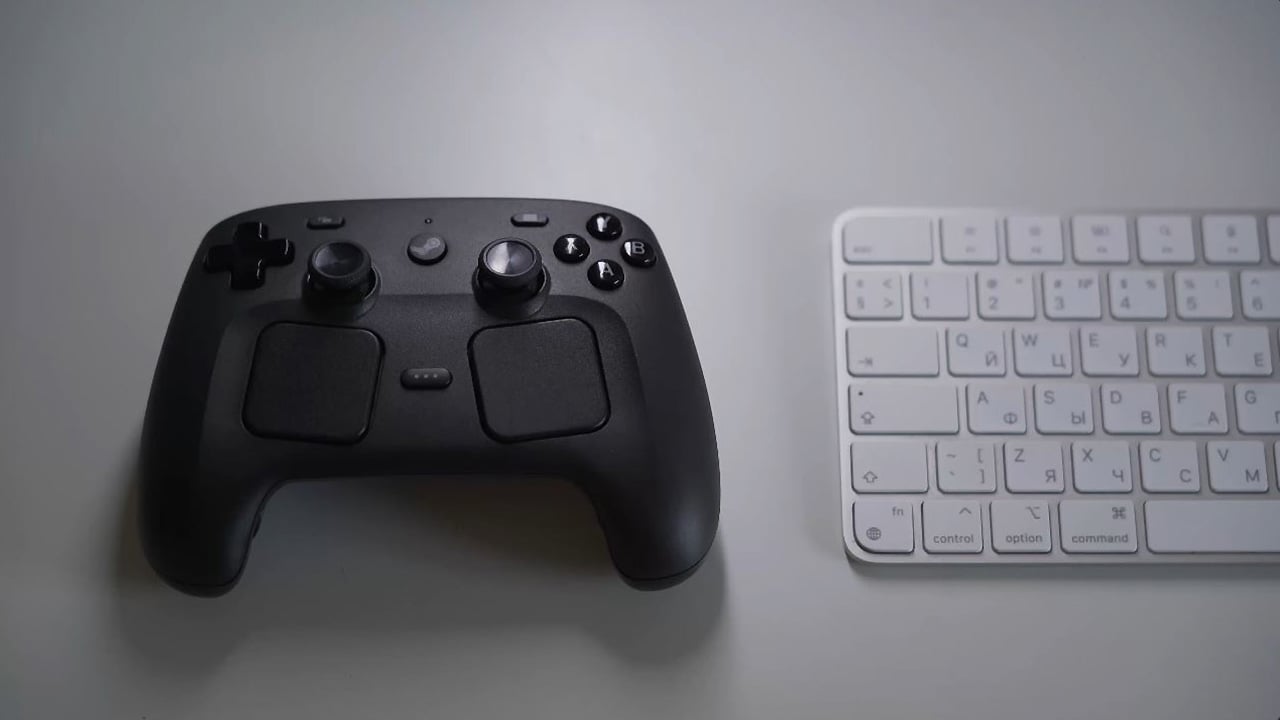
Valve Corporation’s new Steam Controller can now be driven around just like a remote-controlled car using a keyboard.
Content creator Very Lazy Pixels has found a way to turn the Steam Controller into a remote-controlled car. They built a website that lets users drive their controller around a desk via the keyboard’s WASD keys. As for how it builds the required force to move around, this is accomplished by pulsing its built-in haptic motors.
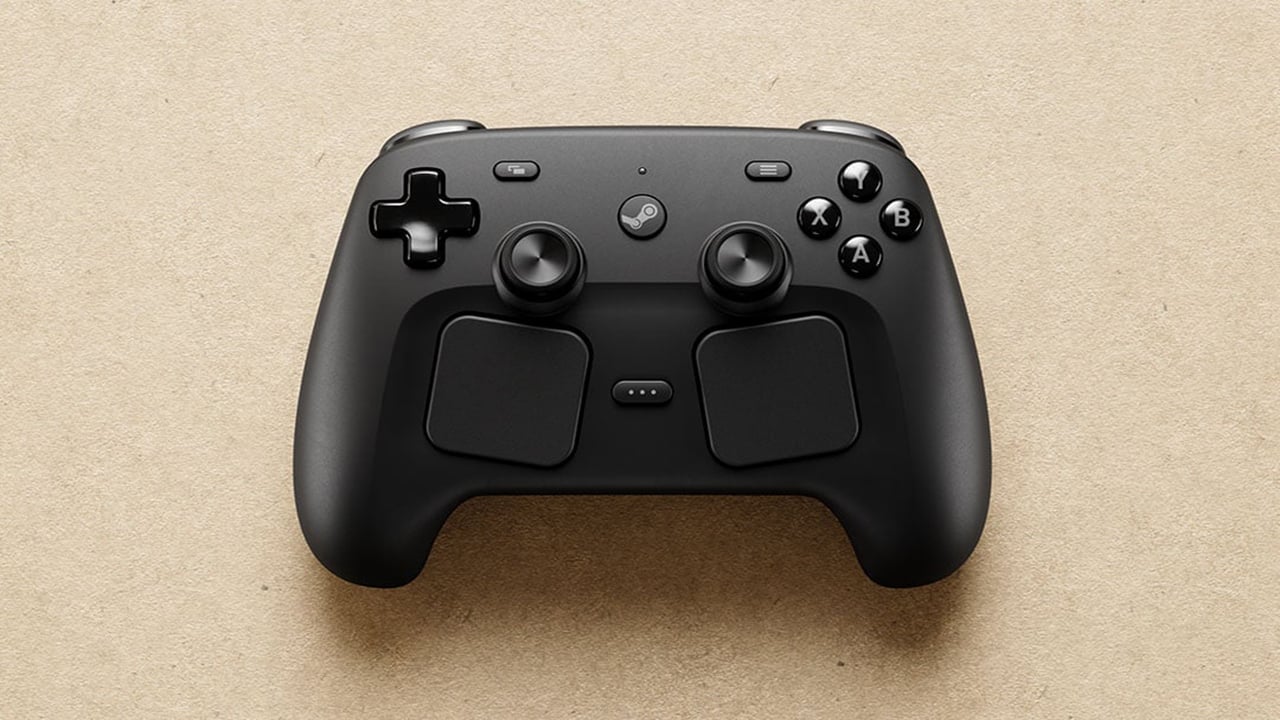
How To Setup The Steam Controller RC Car
Follow the simple and easy steps outlined below to begin driving around your Steam Controller.
- Pair and connect your Steam Controller with your PC or laptop
- Place the controller on a flat surface, such as a desk
- Open the website in Chrome, Edge, or another Chromium-based browser
- Click the “Select A Controller” button and select “Steam Controller” in the device picker window
- Click the “Connect’ button to link the browser with your controller
- Use the WASD keys to move around your Steam Controller

Driving around like a remote-controlled car is just one of the hidden features of the versatile Steam Controller. Last month, Reddit member RF3D19 discovered a hidden Easter Egg for the new Steam Controller that results in it playing the Wilhelm scream sound. It turned out that dropping the controller from around 3 feet or above while running Steam results in it occasionally playing the sound effect using its haptic motors. The user mentioned that there seems to be a timeout period that is around a minute long, which prevents the controller from looping the sound again immediately.
Valve Corporation recently announced that demand for the Steam Controller has surpassed its initial expectations, prompting the company to provide more detailed delivery estimates for customers in the reservation queue. An update posted on Steam stated, “When we launched Steam Controller last month, we quickly saw that initial demand exceeded our expectations.”