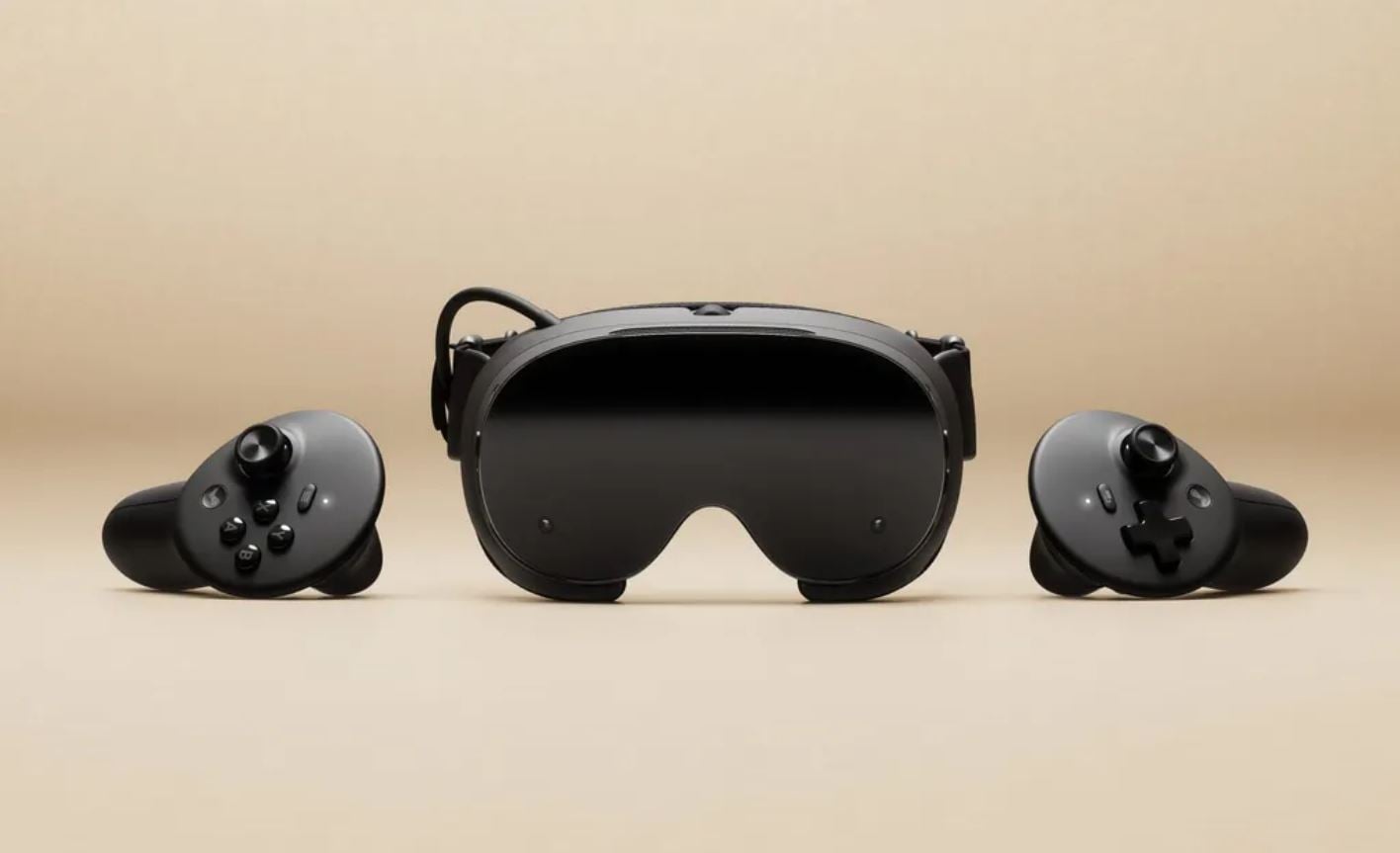
SteamOS update 0.5.11 for Steam Frame is now available through the headset’s Beta channel, incorporating SteamVR version 2.19.5 and several improvements to PC VR streaming. The update improves streaming decode performance to support higher default resolutions, introduces per-application chroma key settings, and enables foveated SGSR sharpening while using chroma key streaming.
Headset tracking has been improved when users remain nearly motionless, while idle power consumption has been reduced further when a VR game is left running. The update also resolves charging issues in low-power states, black screens when changing refresh rates, and several Room View rendering problems. This build is currently a candidate for a full release.
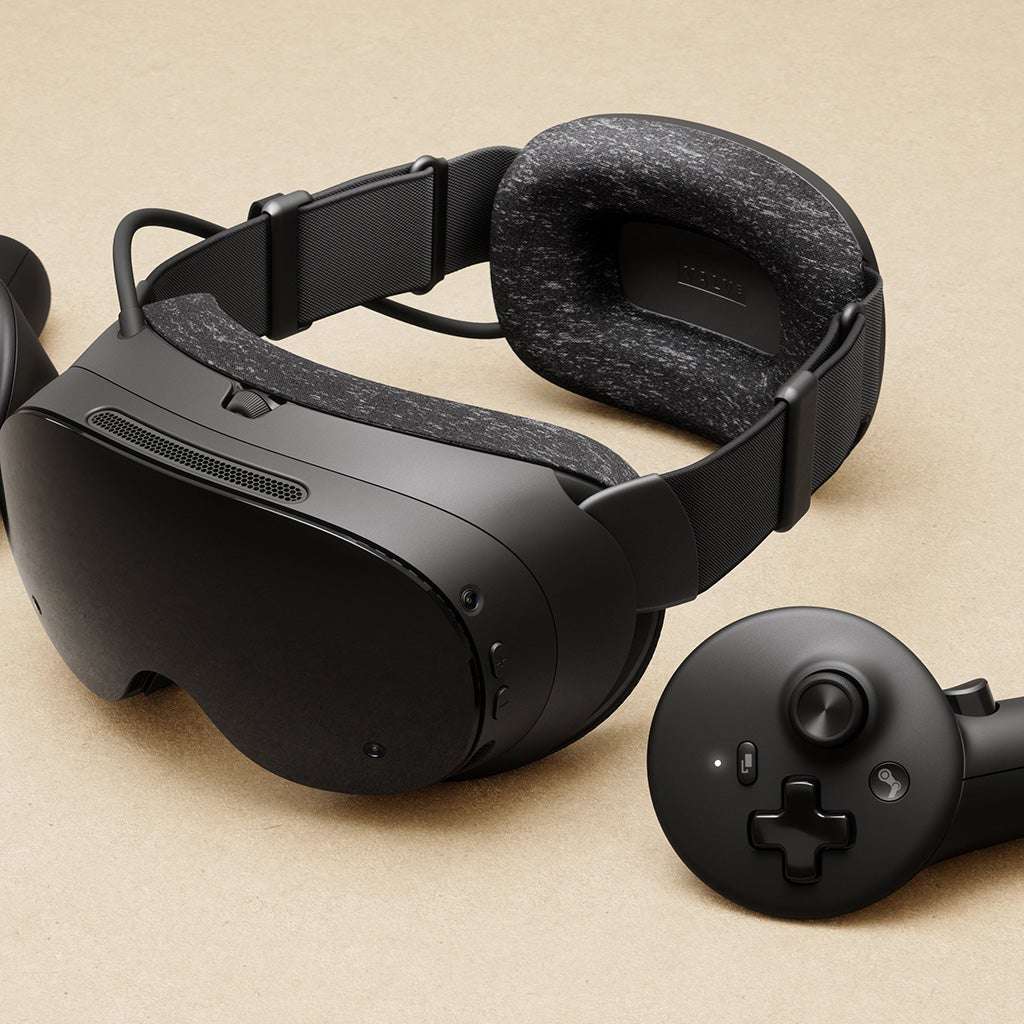
Steam Frame Update 0.5.11 Patch Notes
SteamVR Integration
– Updated SteamVR to version 2.19.5.
Camera Pass Through and Room View
- Moved host PC chroma key settings from the Camera section to Play Area, below Environment.
- Host PC chroma key settings now only apply when no VR game is running.
- Removed the requirement to enable Room View when using Key Content mode outside a VR game.
- Restored the Room View toggle’s functionality for replacing the background environment.
- Enabled partial chroma keying of the environment while Room View is disabled.
- Standardized Key Content behavior across VR games, Aurora, background environments, and the dashboard.
- Added host-side, per-application chroma key settings.
- Users can configure the key color, mode, and threshold for individual games.
-
- Added a warning explaining that Key Content forces the camera to remain active and increases power consumption.
- Enabled foveated SGSR sharpening during chroma key streaming.
- Previously, this sharpening functionality was automatically disabled.
-
- Fixed an occasional single flash of the key color when toggling Room View.
- Fixed an issue where the dashboard sometimes failed to render until Room View was toggled.
- Fixed situations where Room View caused glare.
- Improved streaming decode performance to support higher default streaming resolutions.
General Improvements
- Improved headset tracking reliability when users remain almost motionless.
- Further reduced headset power consumption while idle with a VR game running.
- Streaming a VR game from PC now prompts users to configure their playspace when necessary.
Operating System Fixes
- Fixed charging issues occurring in low-power states.
- Fixed certain situations where changing refresh rates could result in a black display.
- Fixed window borders not displaying correctly during Remote Desktop Protocol (RDP) sessions.
Developer Improvements
– Disabling the performance assessment overlay now also disables the general performance overlay within the headset.
Previous Steam Frame SteamOS 0.5 Update Changes
Camera Pass Through and Room View
- Added chroma key support for PC streaming, allowing Room View to appear within VR content.
- Introduced chroma key settings on the host PC.
- Added a mode selection option for switching between Protect Content and Key Content.
- Key Content allows games to control Room View transparency by rendering the selected key color.
- Using chroma key streaming requires opting into the SteamVR Beta branch on PC.
Image Quality Improvements
- Added a global display sharpness control, enabled by default.
- Users can adjust sharpness through VR Settings, Display, and Display Sharpness.
-
- Reduced green tint affecting high-frequency grayscale image content.
- Reduced head wobble when streaming remote desktops.
- Set Steam Frame overlay rendering quality permanently to Low.
- Removed the corresponding setting from the interface.
- Resolved issues that occurred when Ultra quality was selected.
-
- Improved eye-tracking self-calibration.
- Fixed low-end display gamma response on certain headsets, including inconsistencies between eyes.
- Added SGSR sharpening support for VR streaming through Steam Link.
- Made foveated sharpening independent of eye tracking.
- Foveated sharpening previously became disabled when eye tracking was turned off.
- The sharpening region now defaults to the center when eye tracking is disabled.
-
General Fixes and Improvements
- Fixed an issue where Steam Frame could become stuck on its startup logo after updating the operating system.
- Improved Multi-Link Streaming reliability under adverse network conditions.
- Improved eye-tracking latency, particularly at lower frame rates.
- Added a user preference for adjusting controller haptic feedback strength on a per-game basis.
Beta Availability and Bug Reporting
- SteamOS 0.5.11 is available through the Steam Frame Beta channel.
- The build is a candidate for a full release and contains features that are still undergoing testing.
- Users can opt into the Beta channel through Settings, System, and System Update Channel.
- Users encountering issues should submit reports through the Steam Frame Bug Report forum.
- Replies to the update announcement are not monitored for bug reporting purposes.
Have you noticed these changes? Share your thoughts in the comments!