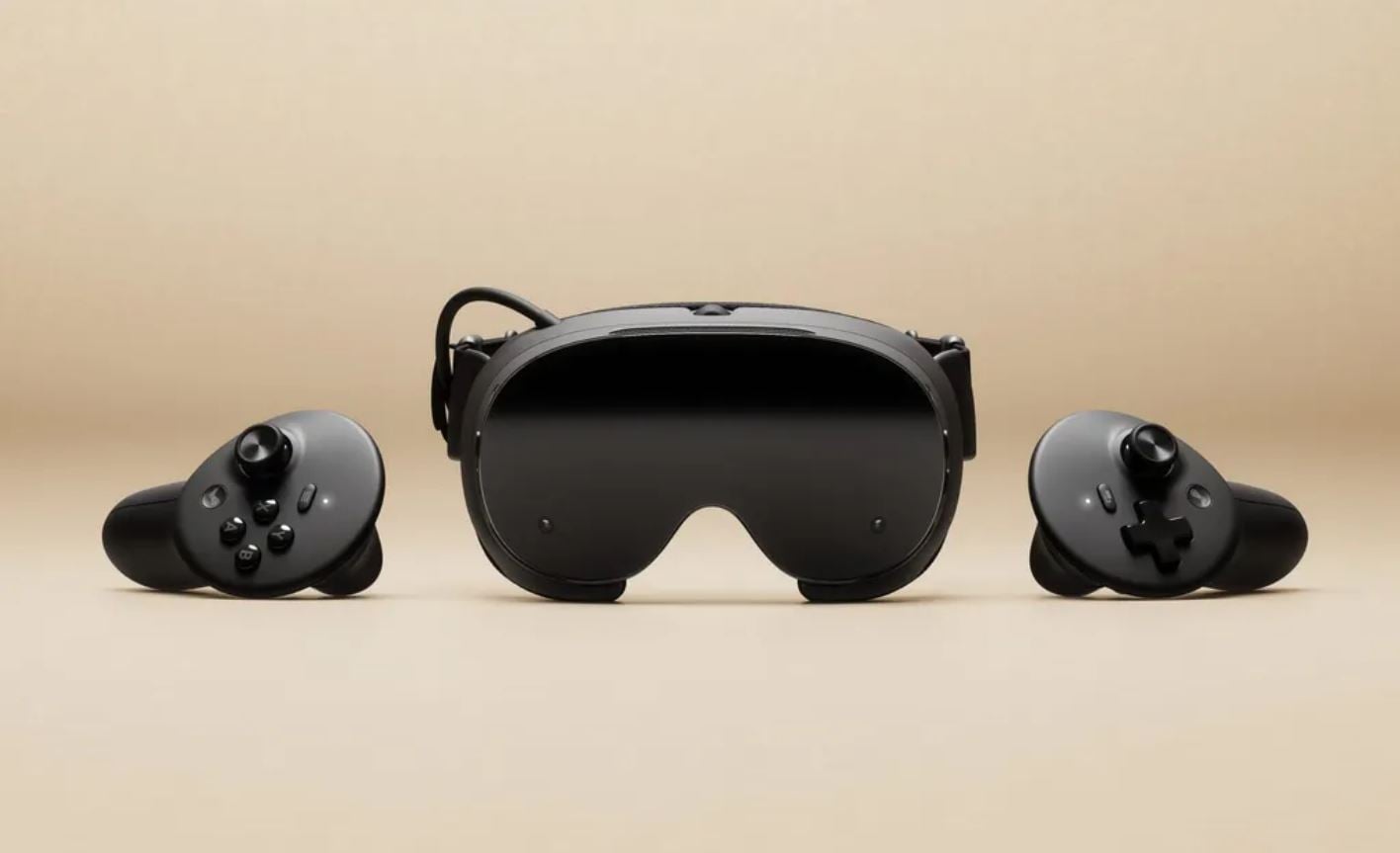
Steam Frame has received system software update 0.5.9, introducing new VR streaming features and accessibility improvements. The update adds chroma key support for Room View during PC streaming, allowing players to control how their physical surroundings appear alongside VR content. Foveated sharpening is now applied when streaming VR through Steam Link, while new prism correction settings have been introduced for users experiencing diplopia, or double vision.
The update also addresses several technical issues, including visual glitches when opening or closing the dashboard, WebXR compatibility problems in Chrome and Chromium, and system lock-ups caused by certain applications installed through Discover. Performance overlay settings have also been adjusted. Steam Frame update 0.5.9 is available through the Beta channel, alongside an update to SteamVR version 2.19.3.
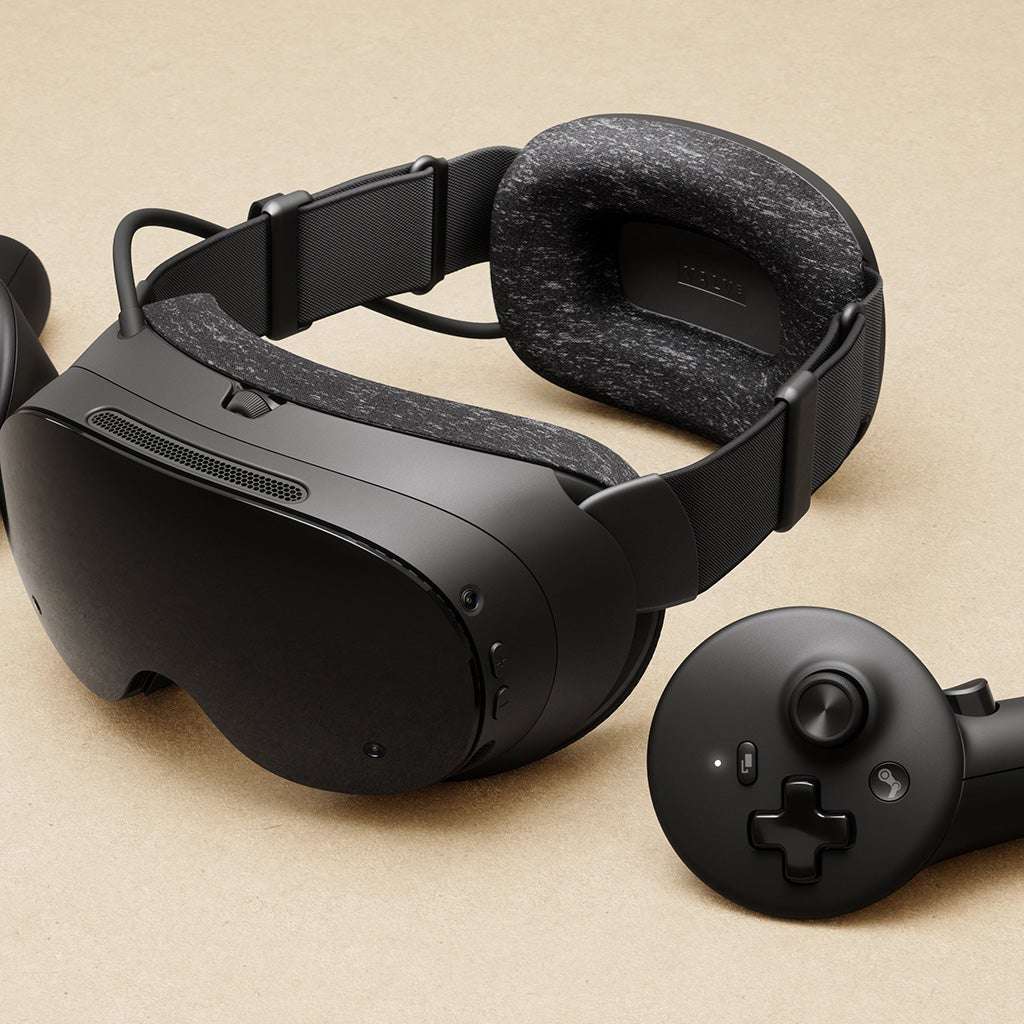
Steam Frame Update 0.5.9 Patch Notes
Camera Pass Through and Room View
- Added chroma key support for PC streaming, allowing Room View to appear within VR content.
- Added new Room View settings on the PC side under the Camera section.
- Introduced two modes for controlling Room View:
- Protect Content: Available as a mode in the Camera settings.
- Key Content: Allows games to draw a designated key color to control Room View transparency.
-
- The new chroma key feature requires the SteamVR Beta branch on PC.
- Players can enable the SteamVR Beta by following these steps:
- Right-click SteamVR in the Steam library.
- Select Properties.
- Open Game Versions & Beta.
- Select the beta branch.
-
VR Streaming Improvements
– Foveated sharpening is now applied when streaming VR content through Steam Link.
Accessibility Improvements
- Added prism correction accessibility settings for diplopia, also known as double vision.
- The new option can be accessed through:
- Advanced Settings.
- General.
- Accessibility.
- Prism Correction.
-
- Restarting the headset is required for prism correction changes to take effect.
Visual and Interface Fixes
- Fixed a visual glitch that occurred when opening or closing the dashboard in certain games.
- Linked the Show Perf Overlay in VR and Draw Performance Assessment settings.
- Disabling Show Perf Overlay in VR now also disables the developer performance overlay.
-
WebXR Compatibility Fixes
- Fixed WebXR support in Chrome and Chromium when the browsers were installed through Discover as user applications rather than system-wide installations.
Stability Fixes
- Fixed a system lock-up caused by certain applications installed through Discover, including VLC.
SteamVR Update
- Updated SteamVR to version 2.19.3.
Update Availability
- Steam Frame system software version 0.5.9 is available through the Beta channel.
- Players can enable the Beta channel by navigating to:
- Settings.
- System.
- System Update Channel.
-
- The update includes features that are still undergoing testing.
Have you noticed these changes? Share your thoughts in the comments!