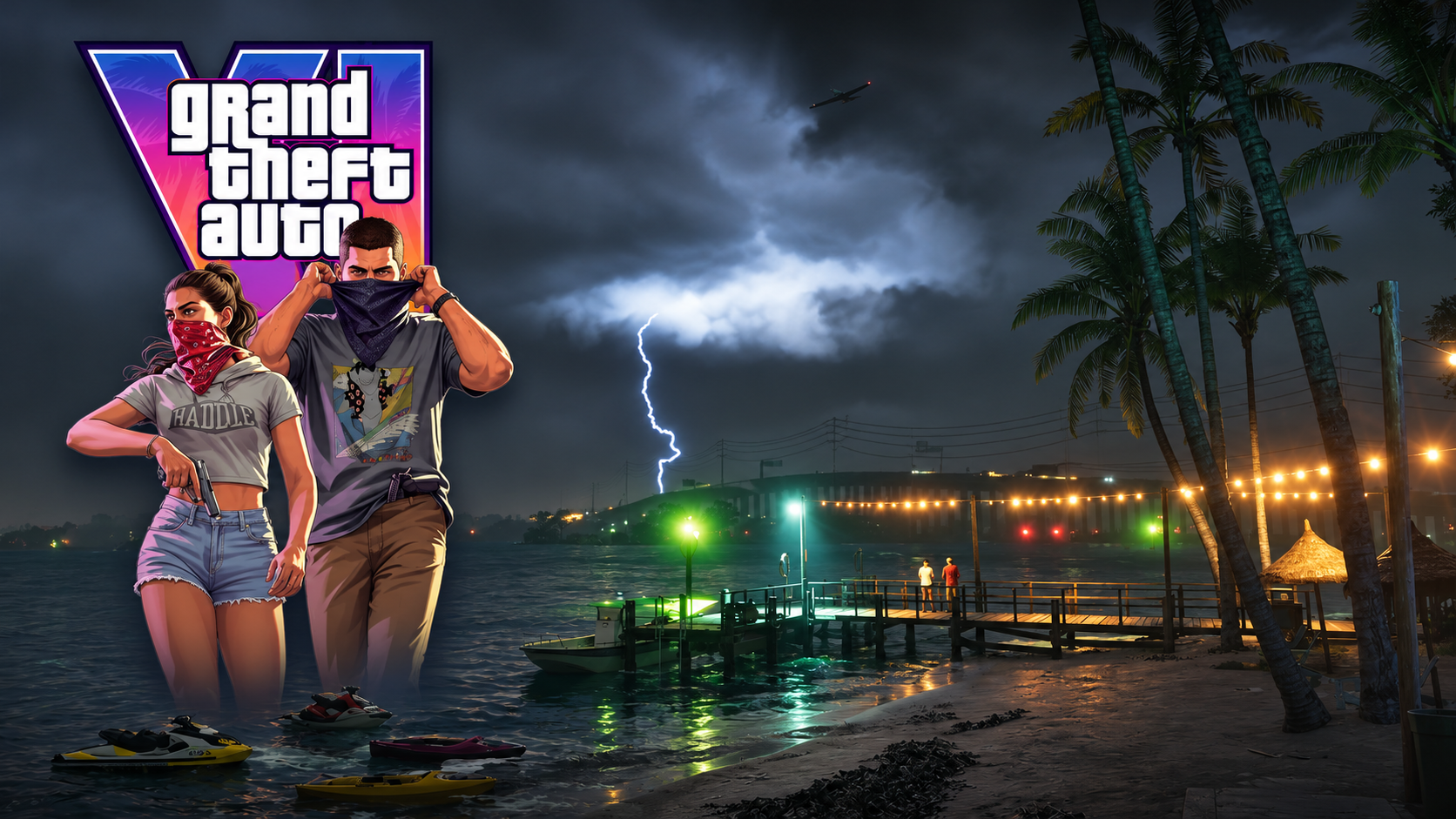
Some Grand Theft Auto VI players on PS5 have encountered a weather bug that prevents the game’s dynamic weather system from working correctly. If you have spent several hours playing GTA 6 without experiencing storms or significant weather changes, clearing your PS5 system cache could resolve the issue.
The workaround was shared by GameRoll on X, who reported playing GTA 6 for 56 hours without experiencing any dramatic weather conditions. After clearing the PS5 system cache, they encountered a storm immediately upon loading the game.
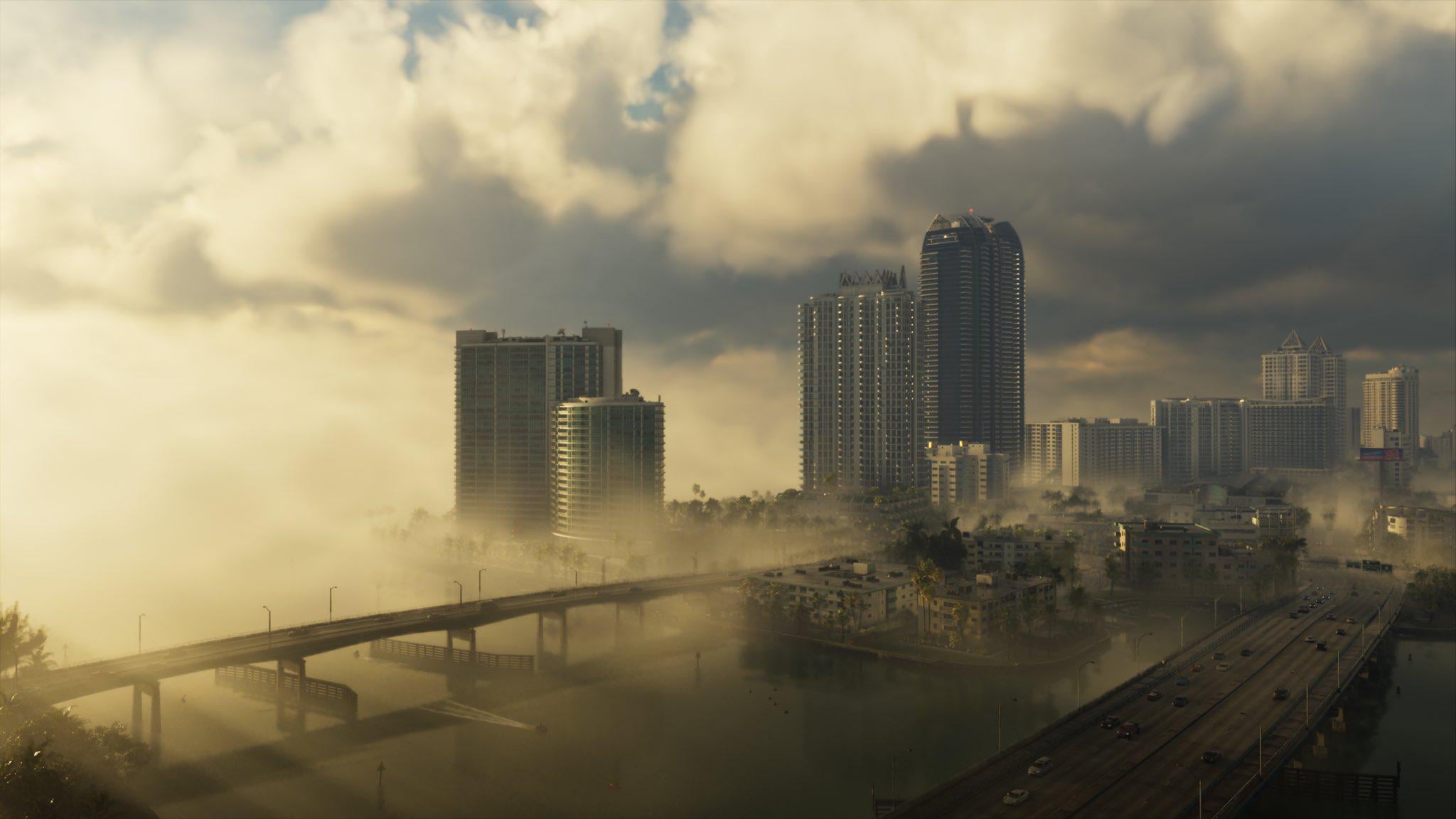
How to Fix GTA 6 Weather Not Changing on PS5
To fix the GTA 6 weather bug, you will need to boot your PS5 into Safe Mode and clear its system software cache. The process should only take a few minutes and will not delete your saved games or installed applications.
Follow these steps:
- Completely close GTA 6 and turn off your PS5.
- Press and hold the power button on your PS5 until you hear the second beep.
- Connect your DualSense controller to the console using a USB cable.
- Press the PS button to access the Safe Mode menu.
- Select option 6, Clear Cache and Rebuild Database.
- Select Clear System Software Cache.
- Confirm your selection and allow the console to restart.
- Launch GTA 6 and resume playing.
Once you have completed these steps, the dynamic weather system should begin functioning normally if the issue is related to the console’s cache.
Keep in mind that clearing the cache does not guarantee that a storm will appear immediately, as weather conditions can change naturally during gameplay.
Why Is the Weather Not Changing in GTA 6?
The exact cause of the GTA 6 weather bug remains unknown. However, the reported success of clearing the PS5 system cache suggests that the issue could be related to cached data interfering with the game’s weather system.
GameRoll credited X user @mauricioce85796 for discovering the workaround. Rockstar Games has not officially acknowledged the issue or confirmed that clearing the cache resolves it permanently.
Can You Fix the GTA 6 Weather Bug on Xbox?
The workaround has only been reported to work on PS5. It is currently unclear whether Xbox Series X or Xbox Series S players are affected by the same issue or whether clearing cached data on those consoles would produce similar results.
If the weather bug persists after clearing your PS5 cache, make sure GTA 6 is running the latest available update. Players may need to wait for an official patch from Rockstar Games if the workaround does not resolve the problem.
Grand Theft Auto VI is available on PS5 and Xbox Series X/S following its release on November 19, 2026.