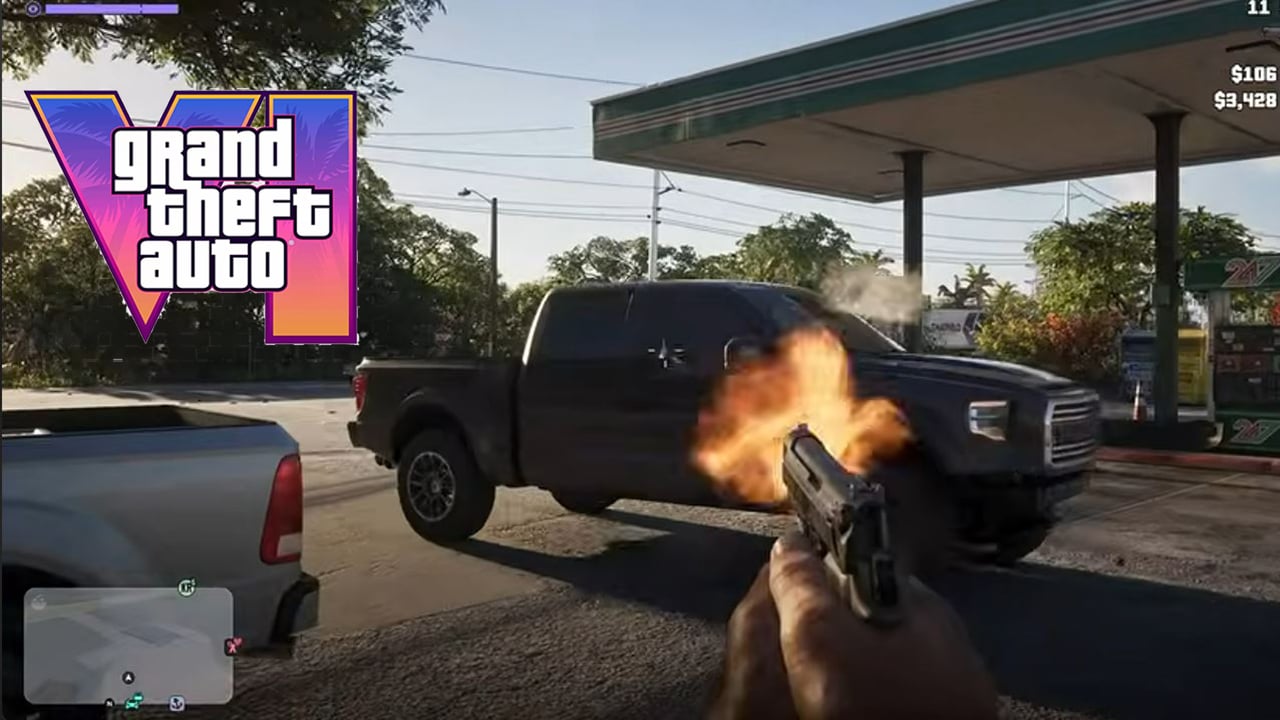
Here’s how you can enable first-person mode in Rockstar Games’ latest open-world action-adventure game, GTA VI.
While Rockstar Games hasn’t officially included a dedicated first-person mode in GTA VI, players have discovered a simple glitch that lets you explore the streets of Leonida from a first-person perspective. The trick (via ZacCoxTV on YouTube) involves using the in-game phone and the PS5 DualSense controller’s touchpad to switch camera views.

Before attempting this glitch, make sure to create a manual save, as reloading an earlier save is currently the only known way to revert the camera to its normal state. Once you’ve secured your save, open the pause menu and head into the settings menu. Head over to the camera options and change the touchpad camera settings to option number 2. Next, get inside any vehicle and open the in-game phone. Close the phone and press the DualSense touchpad. Repeat this sequence around 2 or 3 times, and the camera should switch to first-person mode.
How To Play GTA VI In First-Person Mode
Follow the simple and easy steps outlined below to play GTA VI in first-person mode.
- Make a manual save.
- Open Settings and change the touchpad map setting from 1/2 to 2/2.
- Get in a vehicle.
- Open your in-game phone, close it, then press the touchpad. Do that sequence three times in total to unlock first person mode.

Upon enabling the glitch, you can drive around Vice City, explore Leonida, and even rob stores from the first-person perspective. The bug appears to activate first-person animations that are already present in GTA VI, suggesting that Rockstar Games may have prototyped the feature as a future addition, as was the case with Red Dead Redemption 2.
Grand Theft Auto VI was released on November 19, 2026, for PlayStation 5 and Xbox Series X|S. The game has reportedly sold an estimated 24.58 million copies and generated 2.36 billion US Dollars in gross revenue. Read about it here.