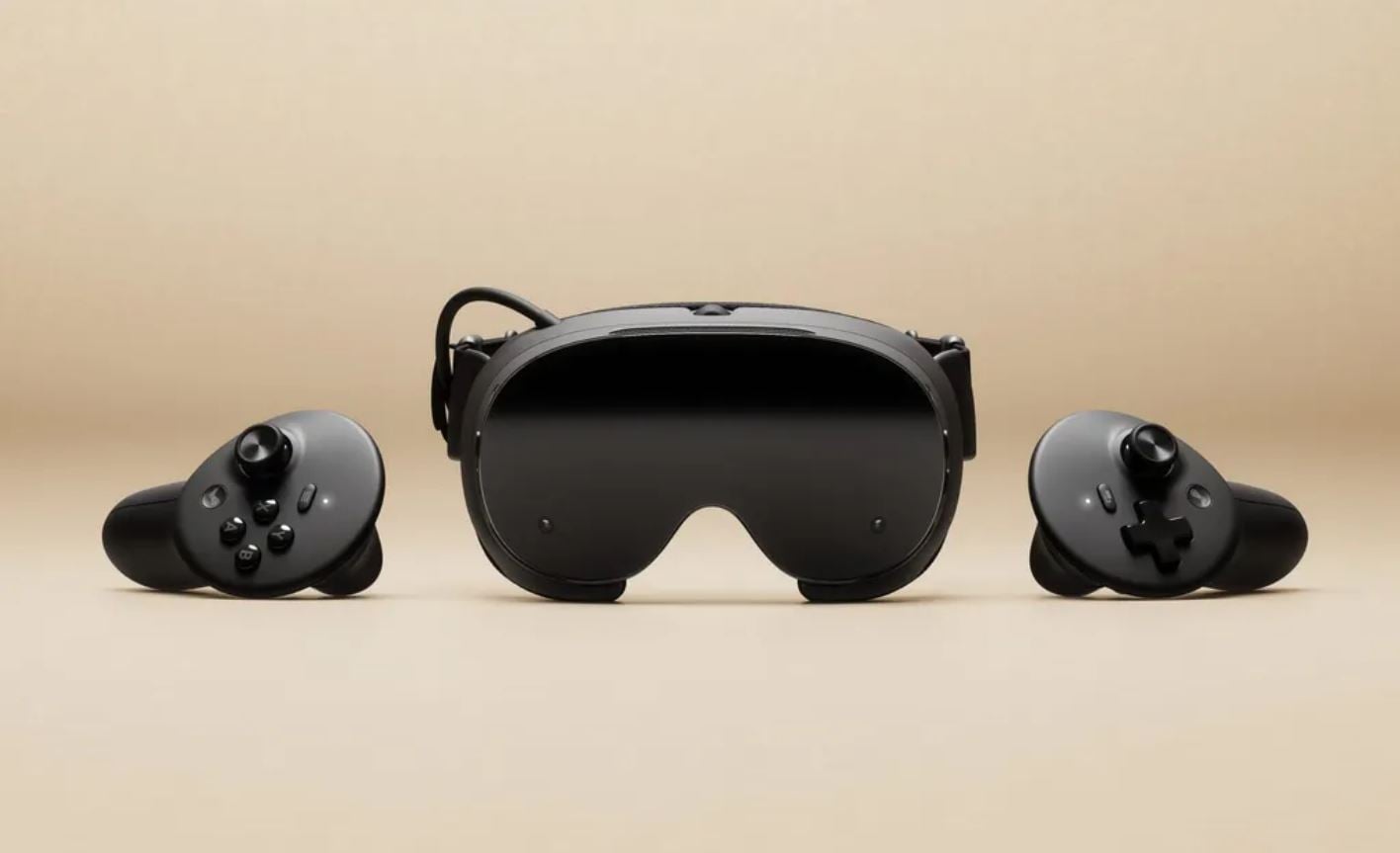
SteamVR update 2.19.1 is now available, bringing significant improvements to streaming image quality through Steam Link. The update increases the default rendering resolution for streamed PC VR applications and introduces improved filtering to produce sharper text, clearer colours, and better image detail. These changes also benefit the SteamVR dashboard, desktop streaming, third-party overlays, and theatre screen.
The update also improves foveated rendering, head motion prediction, and frame timing while adding new options for adjusting visual quality and application refresh rates. Several fixes address connection errors, tracking issues, and headset-specific problems. Users who previously changed their Steam Link resolution settings manually will need to switch them back to Auto to try the new defaults.
SteamVR Update 2.19.1 Patch Notes
Steam Link Streaming Resolution Improvements
- Increased the default recommended render resolution for streamed PC VR applications.
- Default render scale is now 1.5.
- Targets approximately 1.4 times the headset’s panel resolution.
-
- Removed the GPU performance test previously used by Steam Link to determine the recommended resolution.
- Increased the default encoded video size on Steam Frame from 1152 to 1216.
- Manually configured encoded video size and render resolution settings remain unchanged.
- Set these options to Auto to use the new defaults.
-
Streaming Image Quality Improvements
- Improved colour clarity by introducing higher-quality filtering when downsampling colour before encoding.
- Improved the preservation of fine coloured details.
- Improved brightness preservation along edges between strongly saturated colours.
- Improved peripheral image sharpness through higher-quality downscaling outside the foveated region.
- Improved text and interface clarity across:
- SteamVR Dashboard.
- Third-party overlays.
- Theatre screen.
- SteamVR Home.
-
- Introduced a new system-layer rendering pipeline.
- Foveated and non-foveated views are now rendered directly from their source textures.
- Removed an intermediate render texture and an additional resampling step.
-
Streaming Quality Comparison
- Added an option to compare the updated streaming image quality with the previous implementation.
- Players can access the comparison through:
- Steam Link > Advanced > Stream Quality.
-
- Available options include:
- Default: Uses the updated streaming image quality.
- Legacy: Reproduces the previous streaming image quality.
-
Steam Link Settings and Features
- Reorganised the Steam Link settings page.
- Added a Preferred Foveated Sharpness (System UI) option in Steam Link on PC.
- Allows users to adjust the size of the sharp foveated region in the SteamVR interface.
- Supports a narrower, sharper region or a wider region.
-
- Added per-application refresh rate overrides.
- Added a prompt asking users whether they want to share eye-tracking data with PC applications when connecting a compatible headset.
Steam Link Stability and Tracking Fixes
- Fixed several issues that could cause incorrect frame timing during startup.
- Fixed a possible cause of Error 17.
- Fixed IPv4 and IPv6 address comparisons when selecting network links.
- Improved head motion prediction.
- Corrected eye view poses for projection layers to account for the eye-to-head offset.
- Improved eye-tracked foveation alignment during rapid head movement.
Headset-Specific Improvements
- Meta Quest:
- Fixed an issue where the 72 Hz notification remained visible in Battery Saver mode.
-
- HTC Focus Vision:
- Added support for face-tracking data over OSC when using the face-tracking accessory.
-
SteamVR Interface and Overlay Improvements
- Improved image quality for the SteamVR interface and third-party overlays.
- Improved edge smoothing.
- Reduced visual shimmer and artefacts.
- Improved image quality when viewing interface elements at different distances.
- Updated Settings > Video > Overlay Render Quality with improved filtering.
- Added a new Ultra quality option.
- Also available through Steam Link > Advanced.
-
Environment and Visual Adjustments
- Reduced aurora colour movement during theatre transitions.
- Added a minimum brightness level for stars in the construct environment.
- Prevents the environment from becoming completely black.
-
Controller and Input Fixes
- Fixed an issue where laser mouse dragging could be interrupted by grip button presses.
- Fixed laser mouse dragging being interrupted by brief tracking loss.
Application Settings Fixes
- Per-application settings now display “Not Supported” when Motion Smoothing is unavailable.
- Fixed an issue where settings sliders could extend beyond their tracks when values were outside the supported range.
Have you noticed these changes? Share your thoughts in the comments!