The Xbox October 2026 console update is now available, introducing Mythic Achievements, expanded achievement sorting options, and new profile customisation features. Players can also choose their console startup animation, search games and achievements locally, manage unused game saves, and remove items from the recent games and apps list on Home.
The update also improves Remote Play streaming on Xbox Series X|S, adding support for resolutions up to 1440p and higher video bitrates on supported devices. Xbox Cloud Gaming receives changes to game library integration and background downloads, while several fixes address black screens during startup, interrupted downloads, Home refresh issues, and performance problems with large game libraries.
Xbox October 2026 Update Patch Notes
Achievements
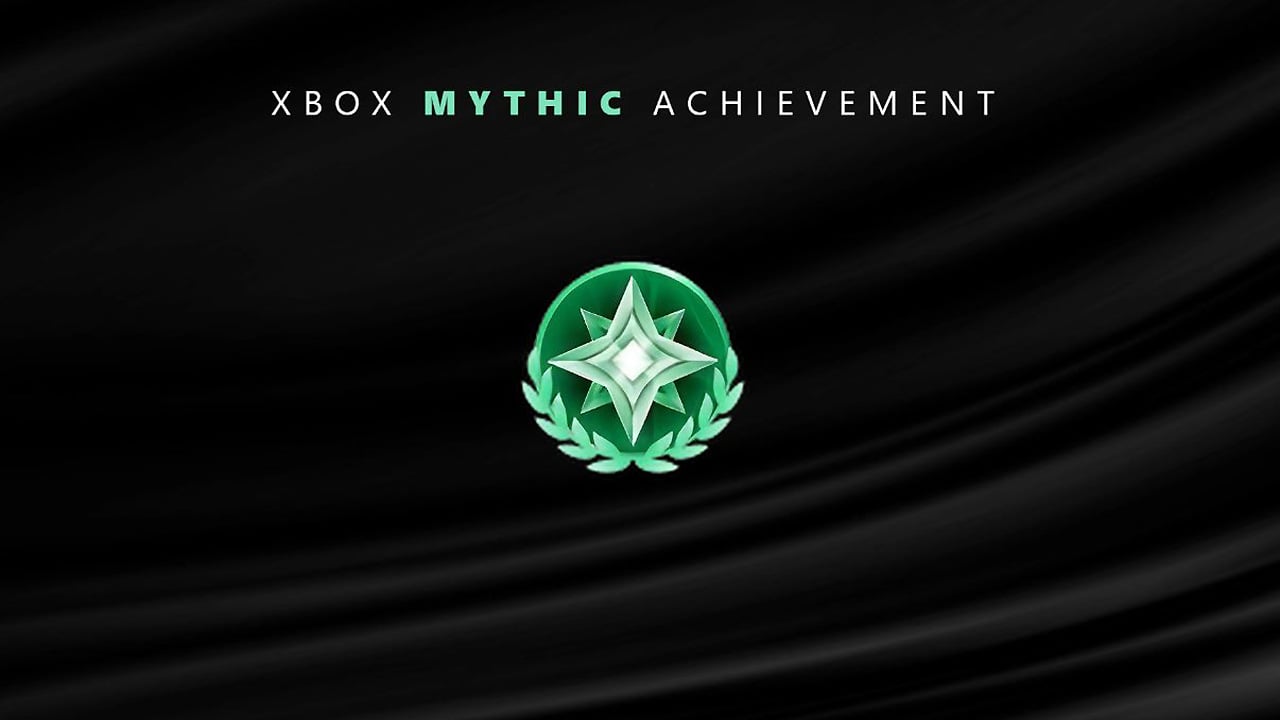
- Added Mythic Achievements: Players earn Mythic status by completing all original achievements for a game. Achievements added later through downloadable content or updates are not required.
- Mythic status remains permanent once earned.
- Added a total Mythic Achievement count to the Gaming tab of a player’s profile.
- Added progress tracking towards Mythic status in individual game achievement lists.
- Expanded game sorting options to include:
- Game name
- Completion percentage
- Gamerscore earned
- Number of achievements unlocked
- Added ascending and descending sorting options for all supported sorting methods, alongside the default Last Played view.
Startup Animations
- Added the ability to choose which startup animation plays when the console starts, with options spanning Xbox One through the latest generation.
- Moved the startup animation sound setting to Settings > System > Startup.
Games and Disc-to-Digital Licensing
- Changed the experience for viewing disc-to-digital licences that are no longer accessible. The console now opens a native interface instead of a web page.
- The feature is available under Settings > General > Personalization > Games & apps.
Game Save Management
- Added options to view, sort, and delete local game saves that are not currently in use.
- Players can delete individual large save files or clear all unused local saves to free up storage space.
- Added a direct link to local save management from game save storage warning dialogs.
Profile Improvements
- Added detailed information for profile badges, including high-resolution artwork and details about when and how each badge was unlocked.
- Added the ability to feature up to five badges in the profile card showcase.
- Added an option to hide individual badges from a public profile.
- Removed the Rewards tab from profiles. Players can now access Rewards through the My Rewards button on the Welcome tab.
Home
- Added the ability to remove items from the recent games and apps list using the Menu button, including the Play History tile.
- Added an immersive background mode that hides the Home interface to showcase dynamic or custom backgrounds.
- Players can activate immersive background mode by pressing the Right thumbstick button on the controller from anywhere on Home.
- Pressing any button returns the console to the standard Home interface.
Local Search
- Added local search to help players find specific games and achievements within large lists.
- Local search is available in My games & apps, official club achievement lists, and the Gaming tab of a profile.
- Search works alongside existing filters and sorting options.
Remote Play
- Added support for Remote Play streaming at resolutions up to 1440p on Xbox Series X|S.
- Increased video bitrate support for sharper visuals and smoother gameplay on supported devices.
- When streaming quality is set to Auto, Remote Play automatically selects the highest resolution and bitrate supported by the device and network connection, even if the displayed setting shows a different resolution.
- Players should set their console display resolution to 1440p or 4K UHD under Settings > General > TV & display options to take advantage of the improvements.
- Some devices may not yet offer separate streaming settings for Xbox Cloud Gaming and Remote Play.
Xbox Cloud Gaming
- Games played through Xbox Cloud Gaming are now automatically added to the Games section of My games & apps.
- Added the ability to remove cloud gaming titles from the list using the Menu button.
- Downloads can now continue in the background while streaming when network conditions allow.
- Background downloads during streaming can be disabled under Settings > Cloud gaming > Streaming preferences.
Miscellaneous Changes
- Implemented significant changes to the underlying party chat infrastructure to improve future party reliability and security.
- Changed the Apps can add a border setting to default to off.
- The setting is available under Settings > General > TV & display options > Video fidelity & overscan.
Bug Fixes
- Fixed an issue that caused Home to refresh continuously.
- Fixed several issues that could cause the console to boot to a black screen instead of Home.
- Fixed an issue where downloads could appear to pause or stop unexpectedly.
- Fixed broken images and text for certain compilation discs in the recent games list.
- Fixed an issue that caused focus to reset or disappear in My games & apps when content was refreshed.
- Implemented memory and performance improvements for users with very large game libraries.
- Implemented additional stability and performance fixes.
Update Information
- Release date: October 28, 2026
- OS version: 10.0.26100.9647
- Build: xb_flt_2610ge.261021-2200
Have you noticed these changes? Share your thoughts in the comments!