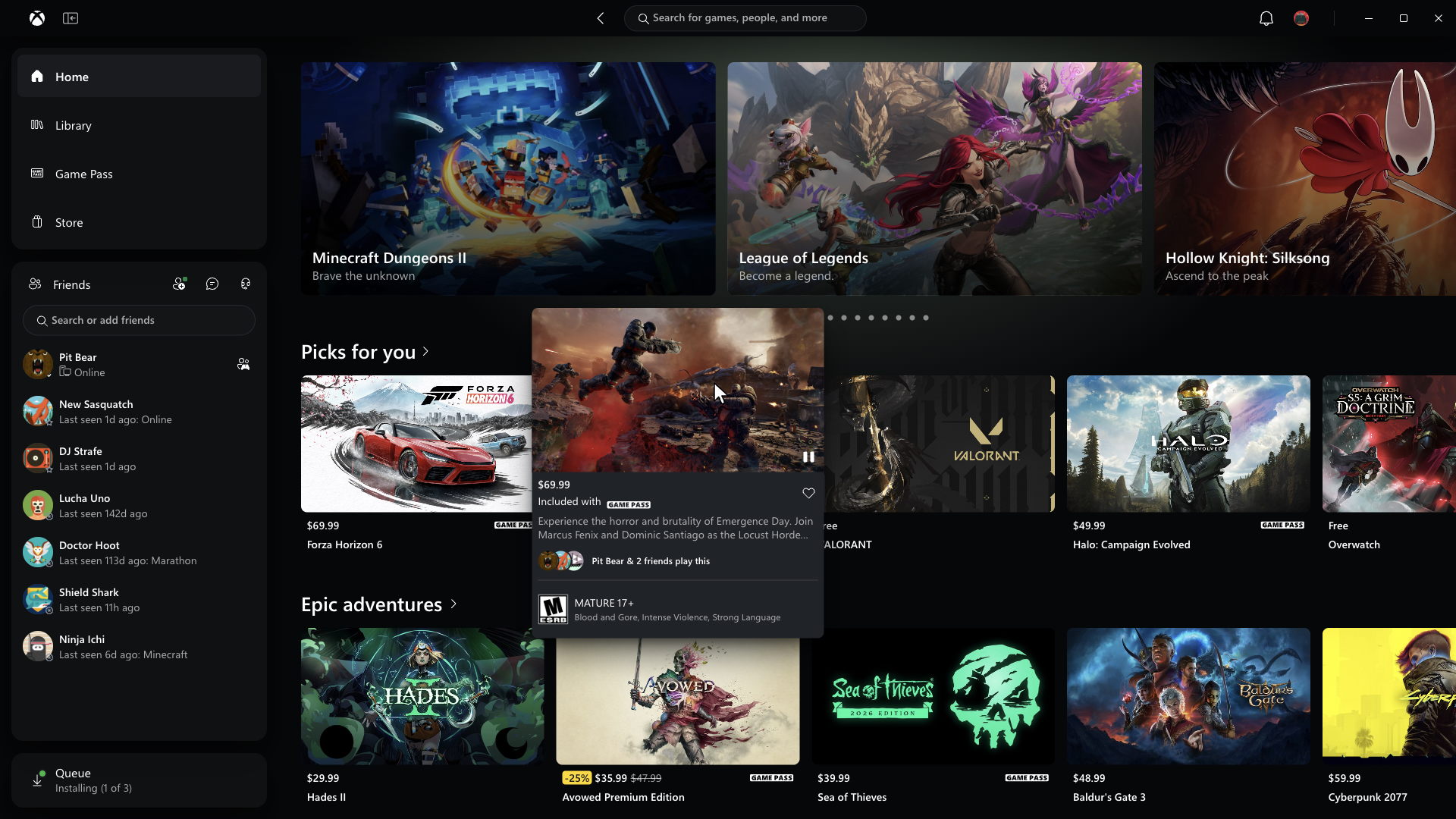
Microsoft has announced a major Xbox PC app update that promises significantly faster performance, improved navigation and easier access to games and friends. The changes are available to Xbox Insiders, with the company reporting that the updated app launches up to 60% faster than before.
According to Microsoft, the improvements also extend to individual sections of the application. The Home, Store and Game Pass pages now load up to 50% faster, while in-app windows open up to 65% faster. These figures are based on Microsoft’s internal testing, and actual performance may vary depending on hardware, internet connection and system configuration.
Beyond performance, the update introduces several changes to the Xbox PC app’s interface. The Library section has been redesigned with simpler navigation, updated filters and additional options for organising installed games and other titles in a player’s collection.
Microsoft has also moved friends and social features into the main navigation menu. This allows users to check what their friends are playing, start conversations and join parties without having to search through separate sections of the app.
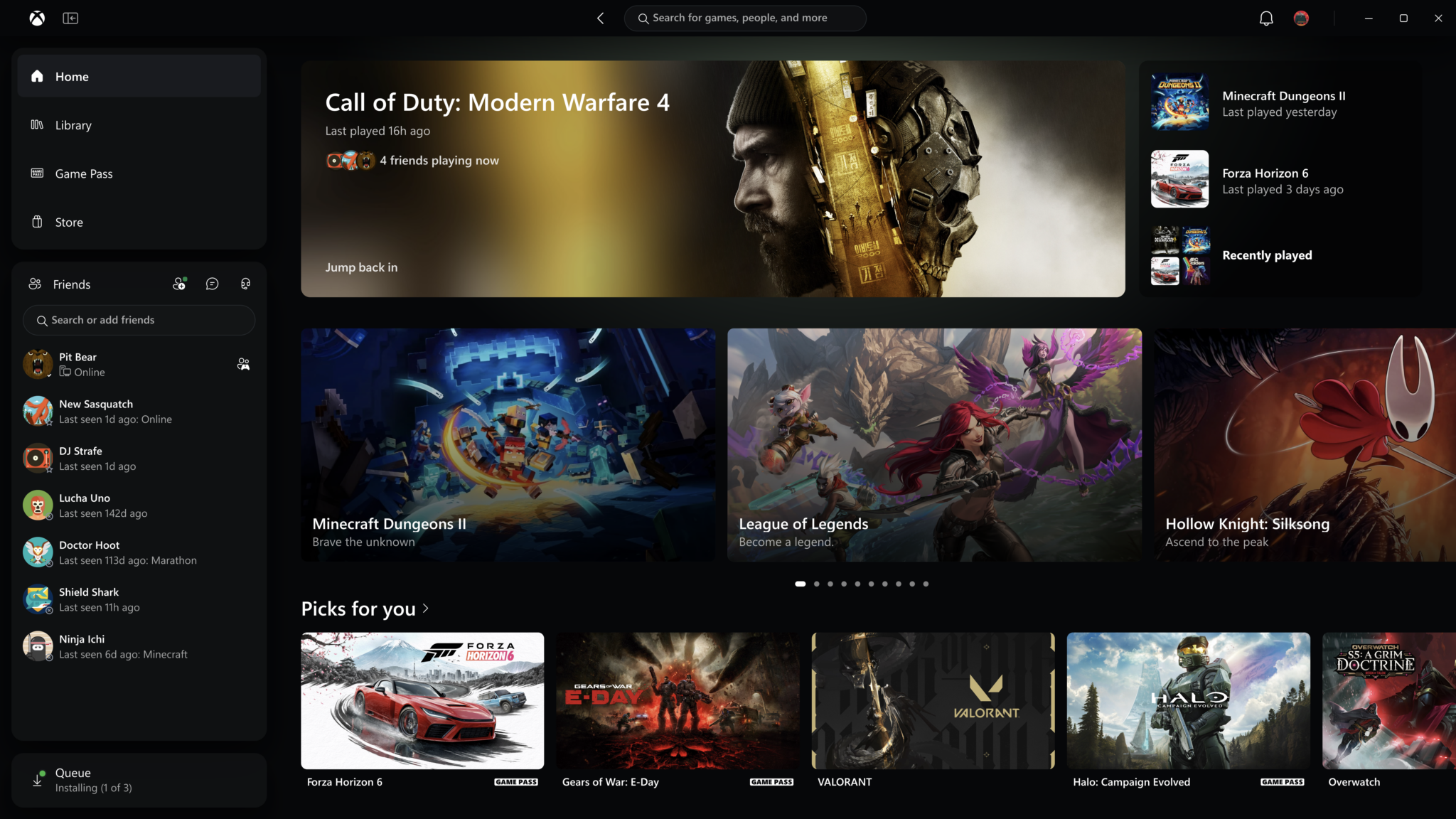
Search functionality has received an update as well. Players can now search for games, installed titles, add-ons and other users from a single location. The company has also refreshed game cards, the Home screen, Settings and interface animations.
Xbox Cloud Gaming Web Experience Is Also Getting an Update
Alongside the PC app improvements, Microsoft is expanding the availability of its redesigned Xbox Cloud Gaming web interface. The updated experience was initially introduced to Xbox Insiders earlier this year and will begin reaching more players automatically over the coming weeks.
One of the main additions is a dedicated Library tab that brings together cloud-compatible games, including titles players own and those available through Xbox Game Pass. Users can browse their collections using filters for recently played games, genres and supported input methods.
The redesigned interface also introduces a desktop mode that makes better use of larger screens, allowing more games to appear while browsing. Customisation options have been expanded with light and dark themes, along with five new high-contrast settings intended to improve accessibility.
Players who want to try the updated interface before the wider rollout can visit Xbox Cloud Gaming.
Xbox Cloud Gaming Updates Coming to TVs and VR Headsets
Microsoft is also beginning to introduce the refreshed Xbox interface to cloud gaming applications on supported televisions and VR headsets.
The changes focus on making navigation more consistent across devices while accounting for the differences between using a PC, television or VR headset. Microsoft wants players to be able to find their games, identify which titles are available and begin playing with fewer steps.
The Xbox PC app improvements are currently rolling out to Xbox Insiders, while the updated web experience will reach additional players over the next few weeks.