Grand Theft Auto VI features a surprising number of gameplay mechanics that are not immediately apparent during the early hours of the game. From hiding from the police during a wanted level to accessing hidden vehicle controls, there are several useful shortcuts that can make exploring Leonida considerably easier.
A player on the PS5 subreddit has compiled a list of lesser-known GTA 6 controls and gameplay mechanics. These include alternative aiming controls, vehicle interactions, hidden exploration features and ways to discover additional side missions.
Our GTA 6 tips and tricks guide covers these mechanics, with controls for PS5 and Xbox Series X|S.
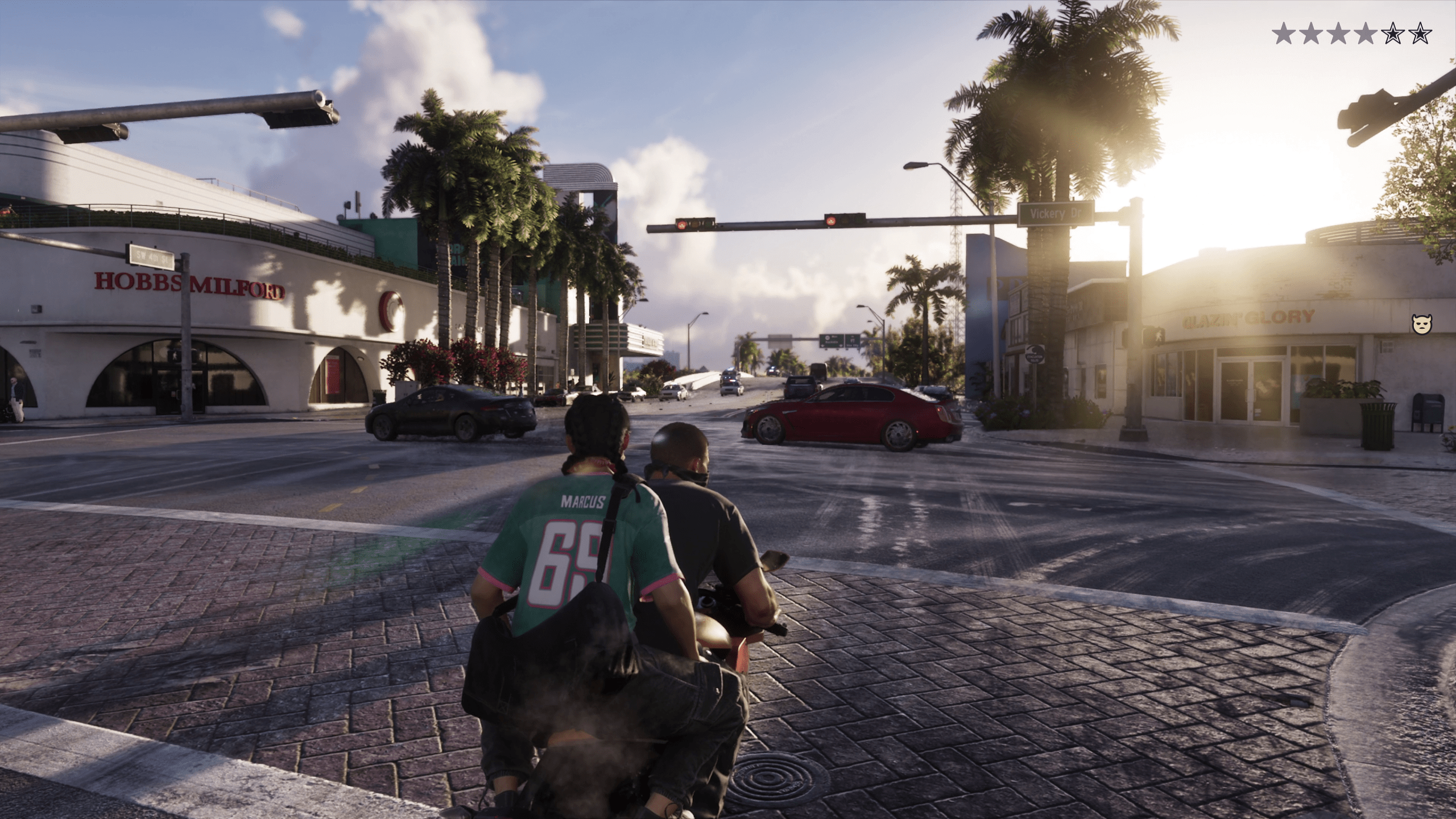
GTA 6 Tips and Tricks for Escaping the Police
Police encounters can become considerably easier once you learn some of the less obvious vehicle mechanics available in GTA 6.
- Hide from the police: Hold Circle on PS5 or B on Xbox while inside a vehicle to duck below the windows. This can prevent passing police officers from spotting you.
- Exit a vehicle quickly: Double tap Triangle or Y to leave your vehicle without turning off the engine, allowing for a quicker getaway.
- Enter the back seat: Hold Triangle or Y while standing next to a vehicle door to enter the back seat.
- Make your partner follow you: Hold right on the D-pad to access the partner menu. Instruct your partner to drive before entering another vehicle, and they will follow you.
- Maintain the speed limit: Press R2 or RT halfway down to automatically maintain the speed limit of your current road. On PS5, this corresponds to the first resistance point of the adaptive trigger.
GTA 6 Hidden Vehicle Controls
GTA 6 offers a range of vehicle interactions beyond standard driving controls. Some of these can influence how surrounding traffic responds to your actions.
| Vehicle action | PS5 controls | Xbox controls |
|---|---|---|
| Use turn signals | D-pad left or right | D-pad left or right |
| Access vehicle options | Hold D-pad left and push right stick up | Hold D-pad left and push right stick up |
| Lock onto pedestrians | Hold D-pad up | Hold D-pad up |
| Change headlights | Circle | B |
| Toggle radio | Double tap D-pad left | Double tap D-pad left |
| First-person view | Hold L2 and press R3 | Hold LT and press right stick |
| Curse at pedestrians | R3 | Press right stick |
| Make a rude gesture | Hold R1 | Hold RB |
| Hit someone with the car door | Square | X |
Using turn signals encourages other drivers to give you room when merging or passing through traffic.
The vehicle options menu also provides access to several additional features, including opening and closing windows, operating convertible roofs and controlling boat anchors.
You can also equip or change weapons while sitting inside a vehicle without having to access its trunk.
How to Kick Other Riders Off Motorcycles in GTA 6
Players riding motorcycles can press Square on PS5 or X on Xbox to perform a kick. This attack can knock other riders off their motorcycles.
The same button performs a different action inside a car, allowing you to push the vehicle door open and strike someone standing nearby.
GTA 6 Hidden Combat and Aiming Controls
Several additional combat functions become available while aiming down sights. Learning these shortcuts can help you switch weapons and use equipment without interrupting combat.
| Combat action | PS5 controls | Xbox controls |
|---|---|---|
| Switch between equipped long guns | Triangle | Y |
| Throw equipped explosive | R1 | RB |
| Switch aiming shoulder | D-pad left | D-pad left |
| Toggle weapon scope or sight | R3 | Press right stick |
| Make a rude gesture on foot | Hold L2 and press R1 | Hold LT and press RB |
The ability to switch aiming shoulders is particularly useful when engaging enemies from different sides of cover. You can also throw your currently equipped explosive without manually switching away from your firearm.
GTA 6 Exploration Tips and Hidden Features
Some of the most easily overlooked mechanics in GTA 6 are related to exploration, character interactions and discovering optional content throughout the open world.
How to Identify Enterable Buildings in GTA 6
Buildings on the GTA 6 map are reportedly displayed using two different shades of blue. These colours indicate whether a building has an accessible interior.
| Map colour | Meaning |
|---|---|
| Dark blue | Building can be entered |
| Light blue | Building cannot be entered |
Checking the colour of a building on the map can save time when searching for accessible interiors.
How to Sit Down and Lean Against Objects
Holding Circle on PS5 or B on Xbox while walking around allows your character to perform contextual idle animations.
Depending on your surroundings, your character can lean against a wall or railing, rest or sit on the edge of a pier.
How to Find Locations Using Snapmatic
Some photographs available through Snapmatic are associated with locations that can be visited in the open world.
When viewing a compatible photograph, press Square on PS5 or X on Xbox and select the Set Destination option to mark its location on your map.
How to Unlock Cosmetics and Side Missions Using WAiNK
WAiNK is not limited to scanning vehicles. The application can also prompt players to scan magazines, advertisements and other objects scattered throughout Leonida.
Scanning compatible objects can unlock new character appearances, cosmetic items and even additional side missions.
Keep an eye out for QR codes displayed on billboards and other advertisements while exploring the open world.
How to Keep Gold Weapons in GTA 6
If you encounter a gold weapon during your adventures, make sure to pick it up. Collecting these weapons reportedly saves them to your weapon locker, allowing you to access them later.
How to Play Golf Anywhere in GTA 6
Golf is not restricted to designated golf courses. Players can find golf clubs and balls throughout the game and use them to tee off in other locations across the open world.
GTA 6 Controls and Mechanics Worth Learning Early
Although many of these features are optional, learning how to hide from the police, switch aiming shoulders, identify accessible buildings and scan objects using WAiNK can be particularly useful during your first playthrough.
Grand Theft Auto VI is available now on PlayStation 5 and Xbox Series X|S.