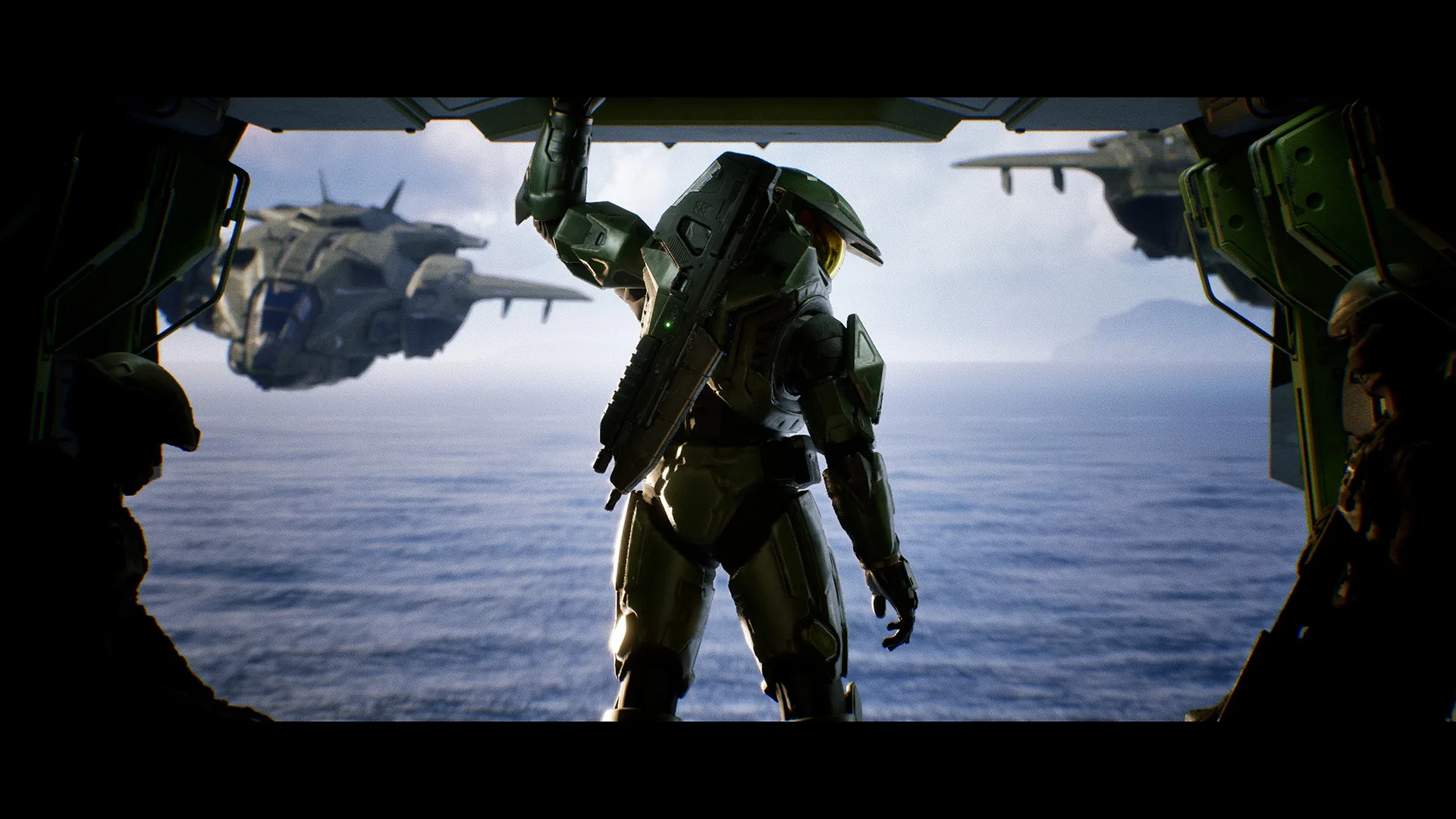
Halo Studios has published a list of known issues affecting Halo: Campaign Evolved across Xbox and PC, highlighting several gameplay bugs, performance problems and platform-specific issues players may encounter.
Global Issues
Several issues affect all platforms.
Cinematics may occasionally stutter if the display refresh rate is not an even multiple of 30 Hz. Halo Studios recommends using a refresh rate such as 60 Hz, 120 Hz or 240 Hz where possible, enabling Game Mode on compatible TVs or disabling Variable Refresh Rate (VRR) if cinematic stuttering occurs.
Pausing and resuming during a cinematic may also cause the audio and video to fall out of sync, with the cinematic briefly freezing.
The studio also notes that navigation markers will not update until every player in a Fireteam has passed them.
On the mission Two Betrayals, destroying the Banshee after the first generator will prevent further progression. During The Truth and Reconciliation, players may hear brief audio popping or stuttering during gameplay.
Xbox Issues
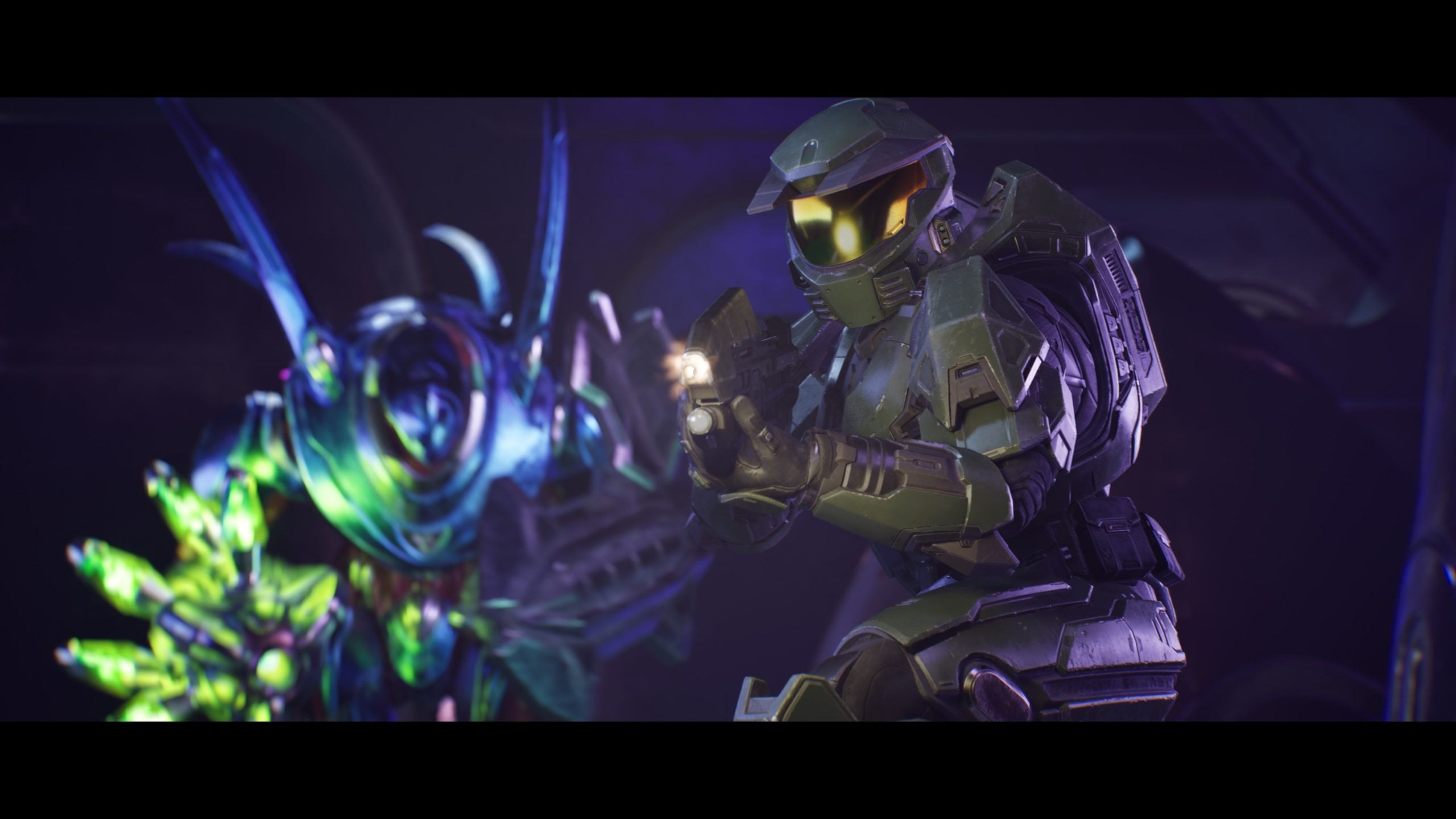
On Xbox, suspending the game during a cinematic can cause the final frame shown before suspension to remain on screen and overlap future cinematics throughout the rest of the playthrough.
If this occurs, Halo Studios recommends fully restarting the console to restore cinematics to normal.
PC Issues
PC players are advised to launch the game directly through the Steam client rather than opening the HaloCampaignEvolved.exe file from the installation folder. Launching the executable manually may prevent Steam authentication, cause severe performance problems or freeze the game.
Custom key bindings may also reset after closing the game. As a workaround, players should first assign the original key to an unused input before assigning the preferred key to another action.
Systems using Intel 13th and 14th Generation processors may experience crashes before the game reaches the splash screen because of a previously identified Intel microcode issue. Players affected are advised to install the latest BIOS update available for their motherboard.
Halo Studios also identified several graphics-related issues affecting specific hardware configurations:
- AMD graphics cards may crash when VSync is enabled and the in-game frame rate cap is set below one-quarter of the display’s refresh rate. Increasing the frame rate limit or disabling VSync can resolve the issue.
- NVIDIA GeForce RTX 50 Series GPUs may crash during the missions Keyes and The Maw when using driver versions 610.47, 610.62 or 610.74. Updating to driver version 610.88 or rolling back to version 596.49 is recommended.
- Players using DLSS on the Low upscaling quality preset with Low graphics settings may notice excessive visual grain, haze or oversized lens flares.
- Enabling XeSS Frame Generation while an in-game frame rate cap is active can cause the game to appear frozen with only occasional frame updates. Halo Studios recommends using DLSS or FSR Frame Generation instead, disabling XeSS Frame Generation or removing the frame rate limit.
- XeSS Frame Generation may also cause graphical issues and reduced frame rates during cinematics. Using DLSS or FSR Frame Generation, or disabling Frame Generation while using XeSS, is the recommended workaround.
Halo Studios said these are the current high-impact known issues affecting Halo: Campaign Evolved and will likely be addressed in future updates.