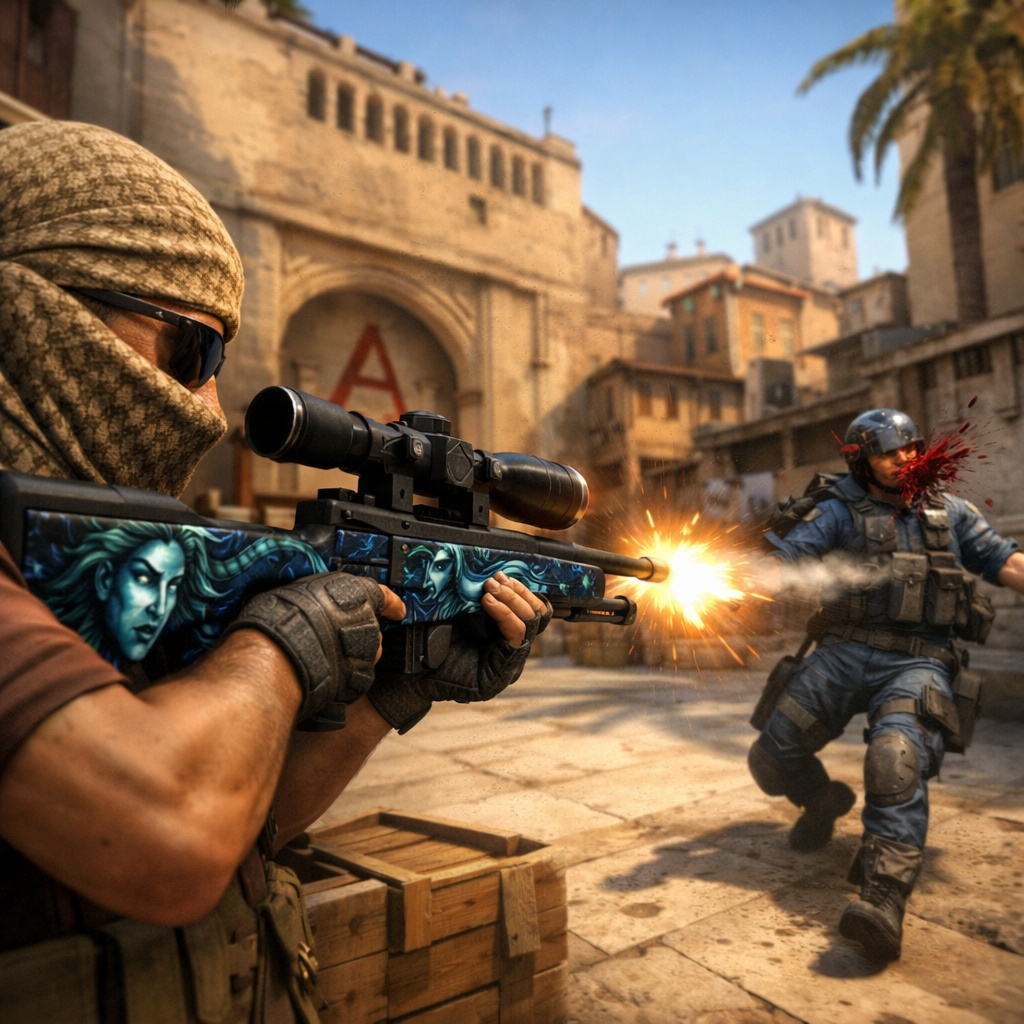
Copying a professional player’s config is the oldest shortcut in competitive shooters. Find whoever you admire, match their sensitivity, match their crosshair, and hope some of it transfers.
It mostly does not work, but the reason is more interesting than the usual advice suggests. Some of what pros run is genuinely worth copying and some of it is personal habit calcified over a decade.
Knowing which is which saves a lot of pointless fiddling.
Sensitivity Is the Number Everyone Fixates On
The headline figure is eDPI, which multiplies mouse DPI by in-game sensitivity to give a comparable number across different hardware. It is the only sensible way to compare two players using different mice.
What surprises people looking at the data properly is how tight the range is. The overwhelming majority of professional Counter-Strike players sit somewhere around 700 to 1000 eDPI, which is far lower than most casual players run.
That clustering is the actual signal. It is not that any one pro found the correct number, it is that a decade of competitive play pushed almost everyone into the same band, and if you are running well outside it you are probably fighting your own aim.
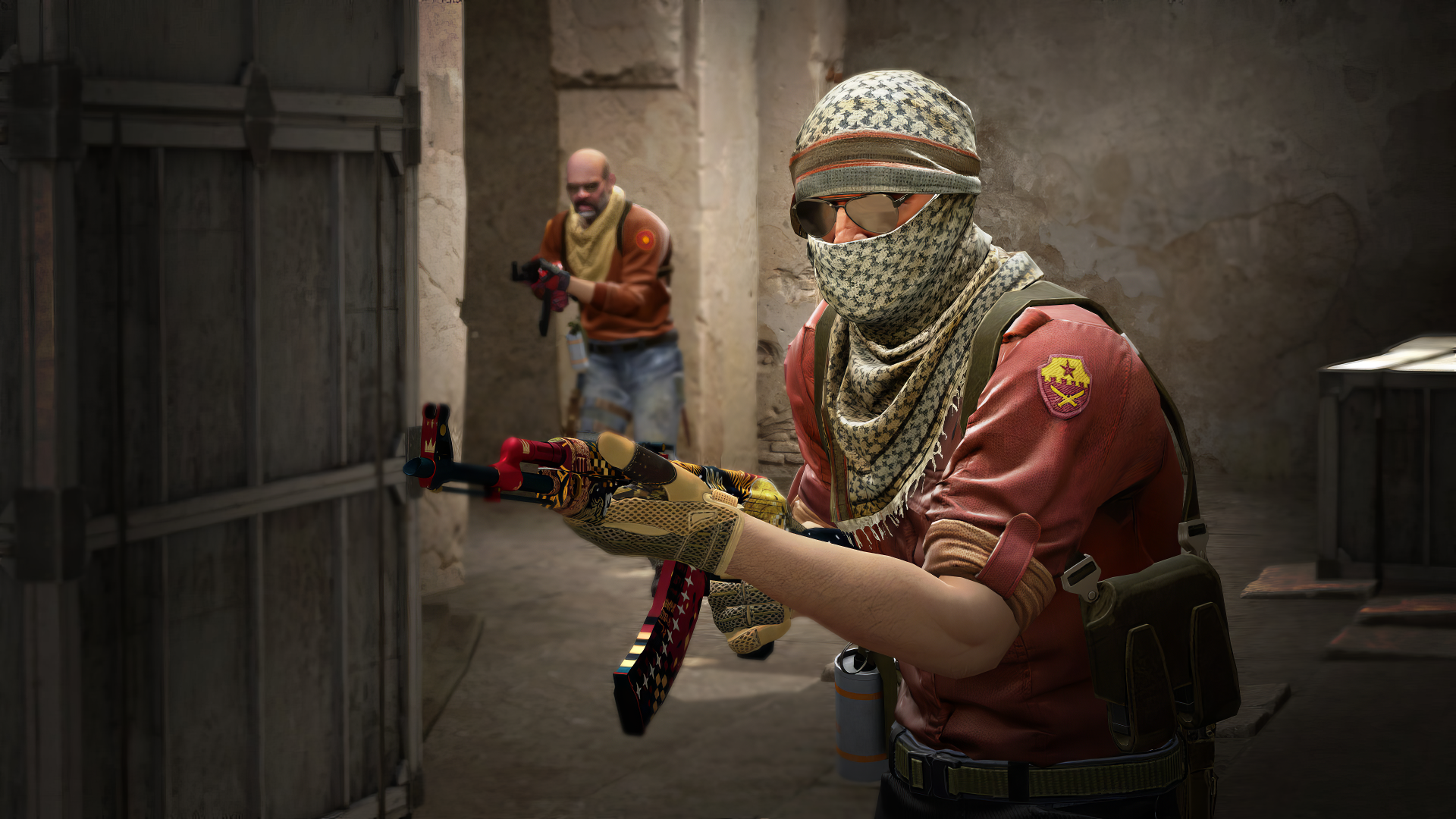
Where to Look Up the Real Numbers
Individual settings get quoted secondhand constantly and are wrong about as often. Players change setups, switch monitors and adjust after roster moves, and a figure copied from a video two years ago is a historical artefact.
A maintained database of CS2 pro player settings covers a little over a thousand professionals with the full picture attached to each one, including DPI, in-game sensitivity, calculated eDPI, resolution and aspect ratio, monitor, mouse, keyboard and shareable crosshair codes, plus the role each player occupies on their team.
The role field matters more than it looks. An AWPer and an entry rifler are solving different problems, and copying a sensitivity across that divide is copying the answer to a question you are not asking.
It is an independent project rather than anything official, which is normal for this kind of reference and does not affect its usefulness for comparison.
Resolution Is Mostly Habit
A large share of professionals still play stretched 4:3 at a low resolution, and this is the setting people copy most enthusiastically and benefit from least.
The original reasons were practical and are now largely obsolete. Older hardware struggled at native resolution, and models appeared fractionally wider when stretched, which felt easier to hit.
Modern machines have no performance argument for it, and you lose peripheral vision on the sides in exchange. Plenty of top players run native 16:9 and always have, which tells you the format is preference rather than advantage.
Crosshairs Are Worth Copying
This is the one place where lifting a config wholesale is genuinely sensible. A crosshair is a visual preference with no mechanical consequence, so trying somebody else’s costs nothing.
Codes are shareable as a single string, which makes testing five of them a two minute exercise rather than a settings menu excavation. Most players land on something static, thin and brightly coloured against the maps they play most.
The one real principle is contrast. A crosshair that disappears against Mirage’s palette is costing you information, and no amount of professional pedigree fixes that.
What Actually Transfers
Hardware choices transfer least. A particular mouse shape suits a particular hand, and the fact that a professional uses it says nothing about whether it suits yours.
Video settings transfer more than people expect. Turning down effects for consistent frame timing is universally useful, and pros do it aggressively because a stable 300 frames beats a fluctuating 400.
Launch options and config tweaks are the least valuable of all. Valve has folded most of the historically useful ones into the game itself, and the official Counter-Strike updates have quietly deprecated a good number of the commands that older guides still recommend.
A Sensible Way to Use Any of This
Change one thing at a time and give it a fortnight. Sensitivity in particular feels wrong for days regardless of whether it is an improvement, which is why people abandon good changes early.
Use the database as a sanity check rather than a shopping list. If your eDPI is triple what nearly every professional runs, that is worth knowing. If it is close, stop optimising and go practise.
More on configuration and performance across other titles sits in our guides section, where the same pattern holds fairly reliably.
The Bottom Line
Pro settings are useful as a distribution rather than as individual answers. The value is in seeing where a thousand players cluster, not in whichever one of them you happen to watch.
Copy crosshairs freely, treat sensitivity as a range to move toward rather than a number to match, and ignore hardware entirely unless you are replacing something anyway.
Everything left after that is practice, which is the part no config file has ever solved.