Capcom’s latest action-adventure game, Pragmata, is now available for PC, and we’ve put together the best settings for getting optimized performance on mid-end system specs and the Steam Deck.
Before we delve into the best settings for the PC version of Pragmata, make sure you’ve updated your GPU drivers and Windows to their latest respective versions. Additionally, disable or close any unnecessary background applications in order to reduce the CPU overhead as much as possible. The settings detailed ahead should provide a more optimized balance between graphics and frame rate compared to the presets available in-game.
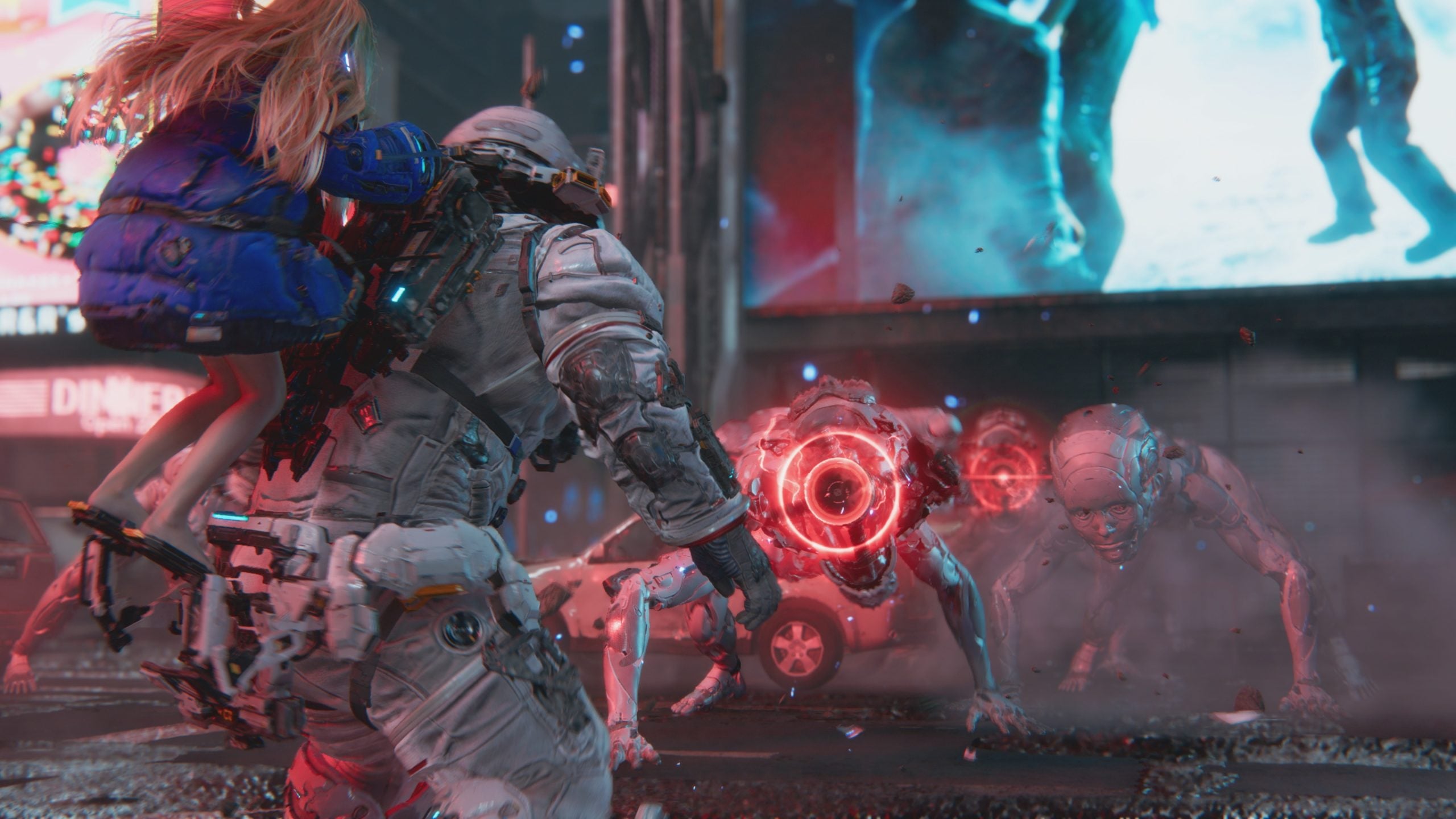
Pragmata Best Settings
The settings below are there to serve as a broad starting point for further optimization based on your specific hardware specs. As a result, you may need to further tweak some settings until you find a sweet spot based on your display’s refresh rate and the overall performance you seek.
GRAPHICS
- Display Mode: Borderless Window
- Screen Resolution: as per the max resolution of your display or preference
- Frame Rate: Variable
- V-Sync: Off on a VRR/G-Sync supported display, else On
- Ray Tracing: On
- Upscaling (Super Resolution Tech): NVIDIA DLSS on supported GPUs, AMD FSR otherwise
- Upscaling Super Resolution: Quality
- Hair Quality: High
- Texture Quality: Max
- Texture Filter: High (ANISO x 16)
- Mesh Quality: Medium
- Shadow Quality: Medium
- Shadow Cache: Off
- Contact Shadows: On
- Effects Quality: Medium
- Video Quality: Full HD
- Ambient Occlusion: SSAO
- Volumetric Lighting: Medium
- Bloom: Off
- Subsurface Scattering: On
- Motion Blur: as per preference
- Depth of Field: On
How Does Pragmata Run On Steam Deck?

GRAPHICS
- Display Mode: Borderless Window
- Screen Resolution: 1280 x 720
- Frame Rate: Max 60 FPS
- V-Sync: On
- Ray Tracing: Off
- Upscaling (Super Resolution Tech): AMD FSR
- Upscaling Super Resolution: Balanced
- Hair Quality: Low
- Texture Quality: Medium
- Texture Filter: Medium (Trilinear)
- Mesh Quality: Low
- Shadow Quality: Lowest
- Shadow Cache: On
- Contact Shadows: Off
- Effects Quality: Low
- Video Quality: Full HD
- Anti-Aliasing: FXAA + TAA
- Ambient Occlusion: Off
- Volumetric Lighting: Off
- Bloom: Off
- Subsurface Scattering: Off
- Motion Blur: Off
- Depth of Field: Off
As seen in the above video, Pragmata often tends to maintain a frame rate in the range of 50 to 60 fps on the Steam Deck using mostly low graphical settings, with some occasional dips into the mid to high 40s. As such, we consider the game playable on Valve’s handheld device.